
Blender is free, powerful and famously hard to learn. For years the joke was that you needed a week of tutorials before you could model a doughnut. Blender MCP changes the first hour: you describe what you want in plain language, and Claude builds, inspects and edits the scene for you, inside your own copy of Blender.
This is the hub of our 3D series: what Blender MCP is, which version to install, what Claude can do, which model to pick and how to keep files safe.
What is Blender MCP, in plain words?
MCP, the Model Context Protocol, is an open standard that lets an AI assistant use outside tools through a common plug. Our MCP explainer covers the idea in full. A Blender MCP server is that plug for Blender: an add-on runs inside Blender and listens for requests, a small server process relays them, and Claude decides which tool to call. In practice most requests end up as Python code written against bpy, Blender’s own scripting API, so anything a Python script can do in Blender, Claude can attempt.
That last point is both the appeal and the risk. We come back to it below.
Official Claude Blender connector vs community blender-mcp
Two projects share the name, and people mix them up constantly. The official one is built by Blender Lab, the Blender developers’ own experimental group, and appears in Claude’s connector directory. The older community project, blender-mcp on GitHub (now published as mcp-for-blender) is older and has the wider set of asset integrations.
| Official Blender connector (Blender Lab) | Community blender-mcp | |
|---|---|---|
| Who makes it | Blender Lab (the Blender developers); listed as “Anthropic verified” in Claude’s connector directory | Community project on GitHub (ahujasid); its README says it is a third-party integration, not made by Blender |
| How you add it | Add the Blender connector in Claude Desktop, then install the add-on from the Blender Lab extension repository | Install the uv package manager, run uvx mcp-for-blender install-addon, add the server to your MCP client |
| Blender version | Blender 5.1 or newer (the add-on’s manifest sets 5.1.0 as the minimum) | Blender 3.0 or newer, Python 3.10+ |
| Main tools | Run Python in Blender, scene and object summaries, missing-file and linked-library checks, window screenshots, viewport and thumbnail renders, bundled API and manual search | Create, modify and delete objects, apply materials, run Python, multi-angle viewport checks |
| Asset sources | None built in; it works on your open scene | Poly Haven, Sketchfab and Poly Pizza imports; generated models via Meshy, Tripo, Hyper3D Rodin and Hunyuan3D |
| Safety switch | Ask Claude to show code before it runs; changes reach disk only when you save | Optional BLENDER_MCP_SAFE_MODE=1 screens scripts for file, network and process access |
Checked against claude.com, Claude’s Blender tutorial, the Blender Lab repository and the blender-mcp README, November 2026. Some community model generators run through the project’s own paid service; check its terms.
Our advice: start with the official connector. It is maintained by the people who write Blender, it ships with Blender’s Python reference and manual so Claude can look things up instead of guessing, and it is built for understanding and editing real production files. Reach for the community project when you specifically want Poly Haven textures, Sketchfab models or AI-generated meshes pulled straight into the scene. Run one at a time; both add-ons listen on a local socket.
Setting it up
Official connector: Claude Desktop
- 1Install BlenderDownload the current release from blender.org. the official add-on needs Blender 5.1 or newer (its manifest sets 5.1.0 as the minimum).
- 2Add the connectorIn Claude Desktop, browse connectors, search for Blender and add it. It works on any plan, including Free, but not in claude.ai in the browser, because Blender must run on the same machine as Claude.
- 3Install the add-onOpen Blender Lab’s MCP server page, drag the install link into Blender to add the lab extension repository, then drag it again to install the add-on.
- 4Start the serverIn Edit > Preferences > Add-ons, enable the MCP add-on and start the server. Auto-start only fires when Blender launches, so start it by hand the first time.
- 5Test with a read-only questionAsk Claude to list the collections and objects in the open file before you let it change anything.
Claude Code. The official server is built on the open protocol and works with other MCP clients, including Claude Code; Blender’s own MCP docs give the server command to register with claude mcp add. For the community project the README gives the exact line: claude mcp add blender uvx mcp-for-blender. In Claude Desktop the community server goes into Settings > Developer > Edit Config instead. Claude Code suits longer jobs where Claude also writes files next to the .blend, such as export scripts or a Three.js viewer.
What Claude can actually do in Blender
- Read and explain a scene. Collection hierarchy, object details, modifier stacks, Geometry Nodes setups, missing textures and linked libraries. This is where the official connector shines on inherited files.
- Create and modify objects. Primitives, procedural geometry, arrays, booleans, parenting, naming conventions applied across hundreds of objects.
- Materials, lights and cameras. Principled BSDF materials, three-point lighting, HDRI worlds, camera placement and focal length.
- Render and look. Viewport renders and screenshots let Claude check its own work. EEVEE is Blender’s real-time renderer and Cycles its path tracer; Claude can switch between them and set samples.
- Export. Blender’s built-in glTF 2.0 exporter writes .glb and .gltf, using metal/roughness PBR read from the Principled BSDF. That is the format web viewers and game engines want.
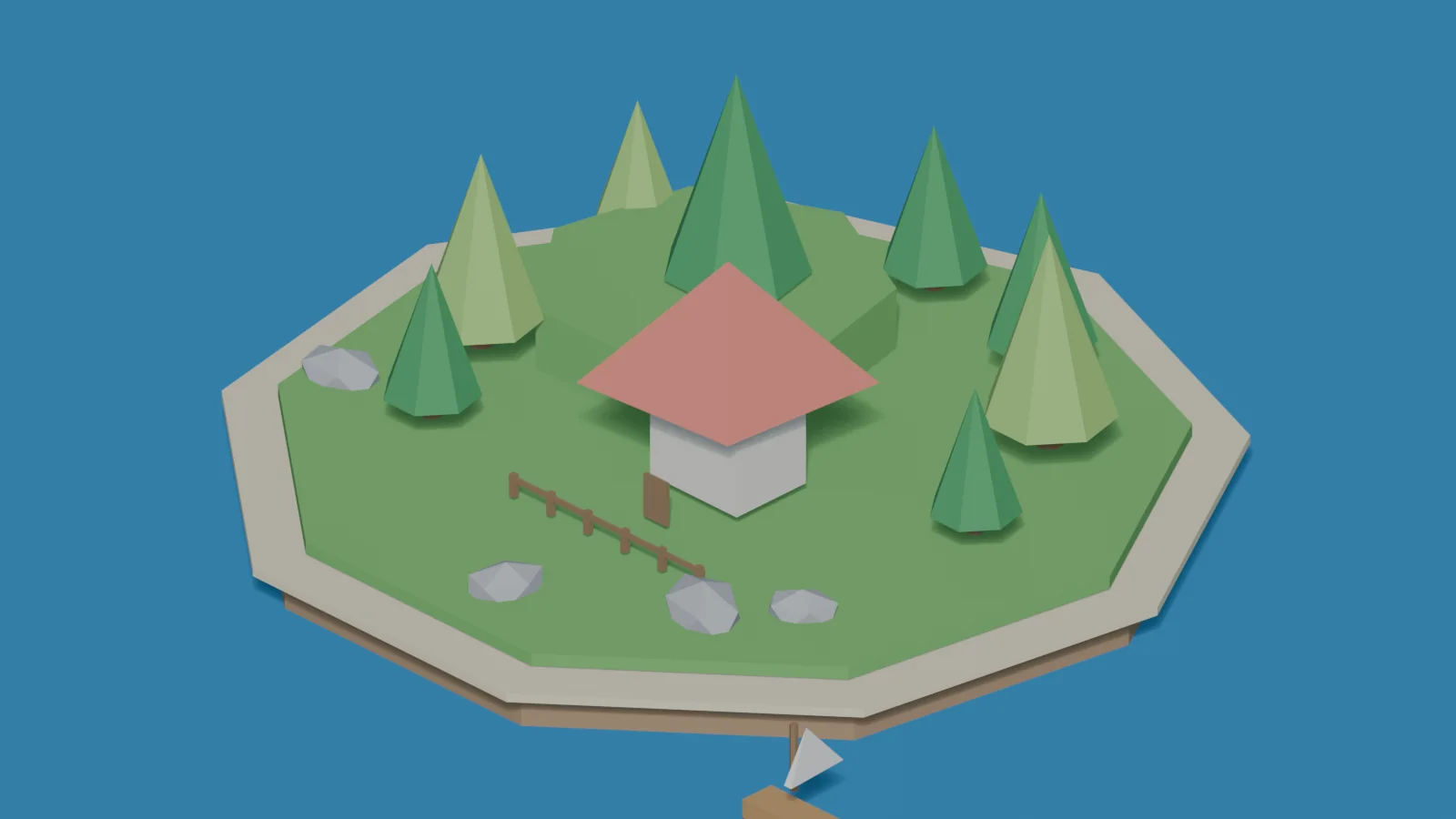
What it does not do well: hand-sculpted organic forms, character rigs that animate cleanly, and anything where taste matters more than structure. Claude builds what it can describe in code. A stylised low-poly kiosk for a Kuala Lumpur mall showcase is easy; a lifelike face is not.

Which Claude model should you use?
| Model | Use it for | Why |
|---|---|---|
| Claude Sonnet 5.5 | Routine scene work: renaming, batch material swaps, lighting presets, export settings | Fast and cheap enough to iterate many times an hour |
| Claude Opus 5.5 | Most real projects: building a small scene from a brief, debugging a node tree, cleaning a messy file | Anthropic calls it its “strongest daily driver” |
| Claude Fable 5.2 | The hardest jobs: long multi-step scene builds, procedural systems, tracing why a heavy file renders slowly | Anthropic’s most capable model; worth the cost when a wrong plan wastes an afternoon |
Our working guidance, not a benchmark result. Fable 5.2 launched on 9 November 2026 at US$8/US$40 per million input/output tokens on the API.
Blender work is long chains of small steps where one bad assumption (wrong units, a shared mesh edited by mistake) ruins everything after it. A stronger model plans better and recovers faster, which matters for a 40-object scene and not for a lighting tweak. GPT-6 Astra users have taken a different route and driven Blender through computer use, clicking the interface like a person; our round-up of what people built with GPT-6 Astra includes a villa reconstructed in Blender from listing photos. MCP is the more precise path because Claude reads scene data rather than pixels. For the wider model comparison, see Sonnet 5.5 vs Opus 5.5.
Limits and safety
Blender MCP runs arbitrary Python on your machine. A script can delete objects, overwrite files or touch the network. Save first and work on a copy of the .blend. Ask Claude to inspect the scene, show its plan and show the code before running anything destructive. Claude’s own tutorial shows a bulk-delete prompt that removed 87 objects by name pattern; scope batch requests carefully. On the community server, turn on safe mode, and never expose its socket beyond localhost.
Large scenes produce large summaries, so ask Claude to inspect progressively, and use low-sample previews while iterating. And a human artist still reviews anything that goes to a client: AI-built geometry often has hidden problems like flipped normals, overlapping faces or materials that look fine in EEVEE and wrong in Cycles.
Six prompts to start with
Inspect the open Blender file before changing anything. List collections, object counts by type, materials with their users, missing image files and the active render engine. Then propose a clean-up plan as a numbered list and wait for my approval. Do not run any code that modifies the scene yet.
Scene units: metric, 1 unit = 1 m. Build a 3 m x 3 m retail display podium with a rounded plinth (0.9 m tall) and a backdrop curve. Name every object with the prefix DSP_. Use Principled BSDF materials: matte warm-white plinth (roughness 0.6), brushed metal trim (metallic 1.0, roughness 0.35). Add three-point lighting and a 50 mm camera framing the plinth at eye level. Save a copy as display_v1.blend before running code, then render a 1280x720 EEVEE preview.
Model a low-poly street food stall for a mobile game: under 3,000 triangles, origin at floor centre, real-world scale (about 2.5 m wide). Group parts into one collection named STALL. Use one PBR material with a 1024x1024 texture budget. Check for flipped normals and non-manifold edges, report what you fixed, then export as GLB with only the selected collection.
Walk me through the Geometry Nodes modifier on the active object: what each node group does, which inputs an artist is meant to change, and what will break if I delete the unused-looking groups. Write short notes as frame labels in the node editor. Do not change any node values.
Compare each mesh's polygon count with how large it appears in the active camera. Flag objects that are heavy but small on screen, list modifiers that are not applied, and estimate which three changes would cut render time most. Report first; make no changes.
Switch to Cycles, 128 samples with denoising, 1920x1080. Add a soft HDRI-style world light at strength 0.8. Render one frame from the active camera to //renders/preview_v1.png. Before rendering, save the file and tell me the expected render time from a 16-sample test.
The rest of this series
- AI 3D game assets with Blender MCP
- 3D product visuals with Blender and Claude
- Interactive 3D experiences with Claude and Blender
- Higgsfield MCP with Claude and ChatGPT
Related reading: building a Three.js game with Claude Opus, making a game with AI, procedural world generation, and our guides to AI image generation and AI video generation.
Where this fits in your team
Few Malaysian companies will hire a 3D team, yet marketing wants product renders and operations wants a digital twin. Our vibe coding class already builds a browser-based 3D warehouse planner. Blender MCP adds modelling and rendering, with Claude scripting and a person judging quality.
Two hands-on days building real business software with Claude Code, from dashboards and CRMs to 3D tools, with no coding background needed.
Next public class: 5–6 December 2026 at Worq Subang · seats available
If your team wants Claude, MCP connectors and Claude Code set up across real workflows, see our Claude AI orchestration training.
HRD Corp claimable. AITraining2U is an HRD Corp registered training provider. Our public and in-house courses are claimable under the HRD Corp Claimable Courses (SBL-KHAS) scheme, and we prepare the grant paperwork with you. See HRDC-claimable AI training: courses, costs and how to claim.