AI for Kids Malaysia · 2-Day Vibe Coding Class, Ages 9–15
Your child builds 6 apps, games & videos with AI in 2 days
Hands-on from the first hour: kids vibe-code a quiz app, an adventure game, an arcade game, an AI video and their own big idea with ChatGPT, Claude and free AI tools — learning how AI works and how to use it safely along the way. No coding experience needed.
Next school-holiday class
19–20 Dec 2026 · Sat–Sun Tentative
Klang Valley · venue TBC
Small class · reserve early
RM 2,500 + 8% SST per child · RM 3,500 for two · Small groups · No child AI accounts needed
First app
Built in hour 1
Projects to take home
6 in 2 days
Shown to parents on Day 2
Why AI for Kids
Your child already uses AI. Now they learn to use it well.
Most kids meet AI as a homework shortcut. This class turns it into a building tool. Kids learn by making things from the first hour, with the AI know-how they need taught along the way.
Understand it
A short, fun crash course on how chatbots work, so “AI” stops being magic.
Talk to it
A simple prompt recipe kids can remember, practised on every project they build.
Question it
Fact-checking what AI writes, spotting fakes, and honest-use rules for school work.
Build with it
Most of the class: describe a game or app in plain words, let AI write the code, then test, fix and make it theirs.
What They'll Build
6 projects in 2 days
Every project is vibe-coded by the child with AI, runs in a browser, and goes home with them to show the family. Tap a picture to try a real example from our vibe coding portfolio.
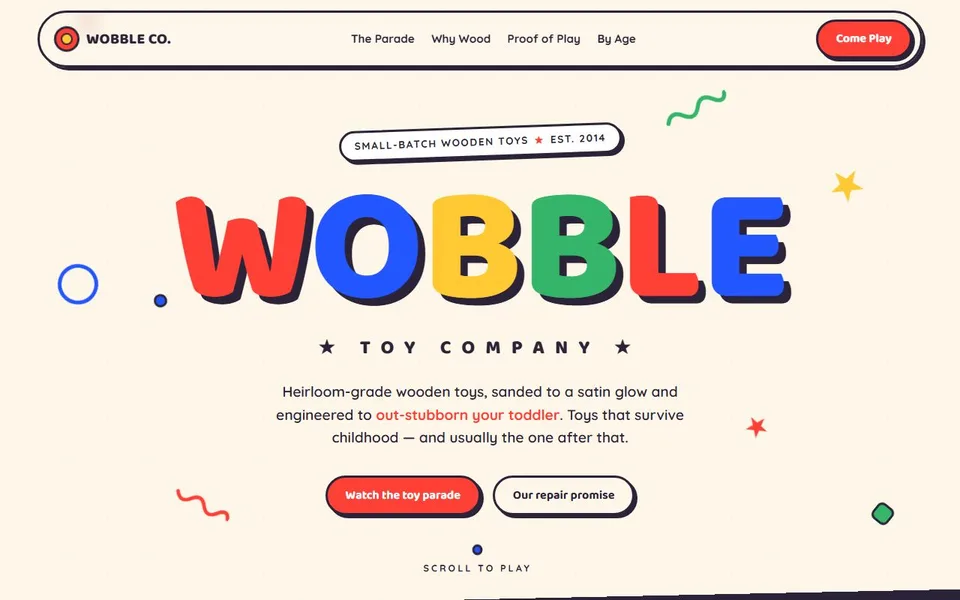 Project 1 · Day 1
All About Me Web Page
Their first vibe-coded page, built in the first hour: favourite things, a colour theme, buttons that do something. Instant proof that they can build with AI.
See a playful page like this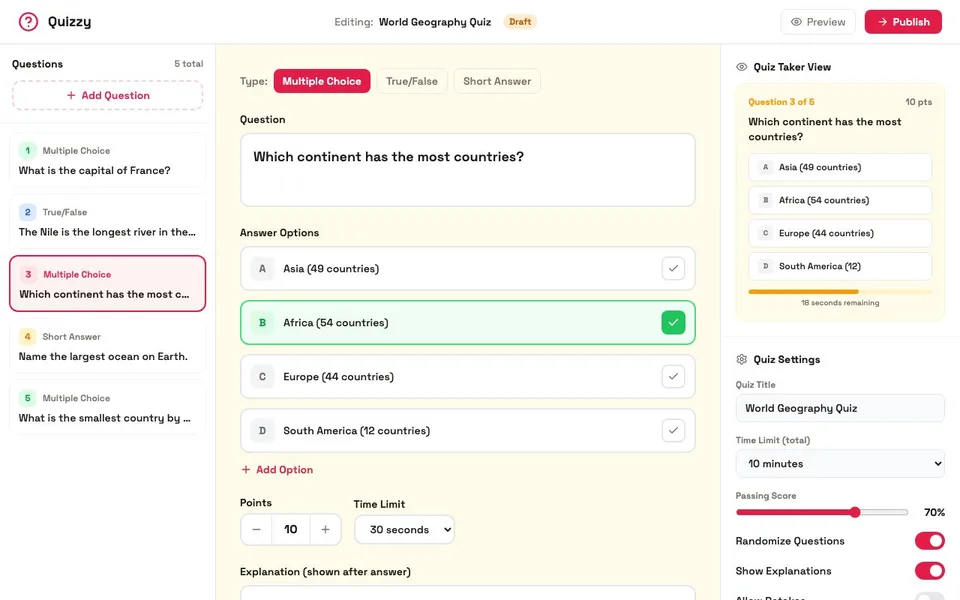 Project 2 · Day 1
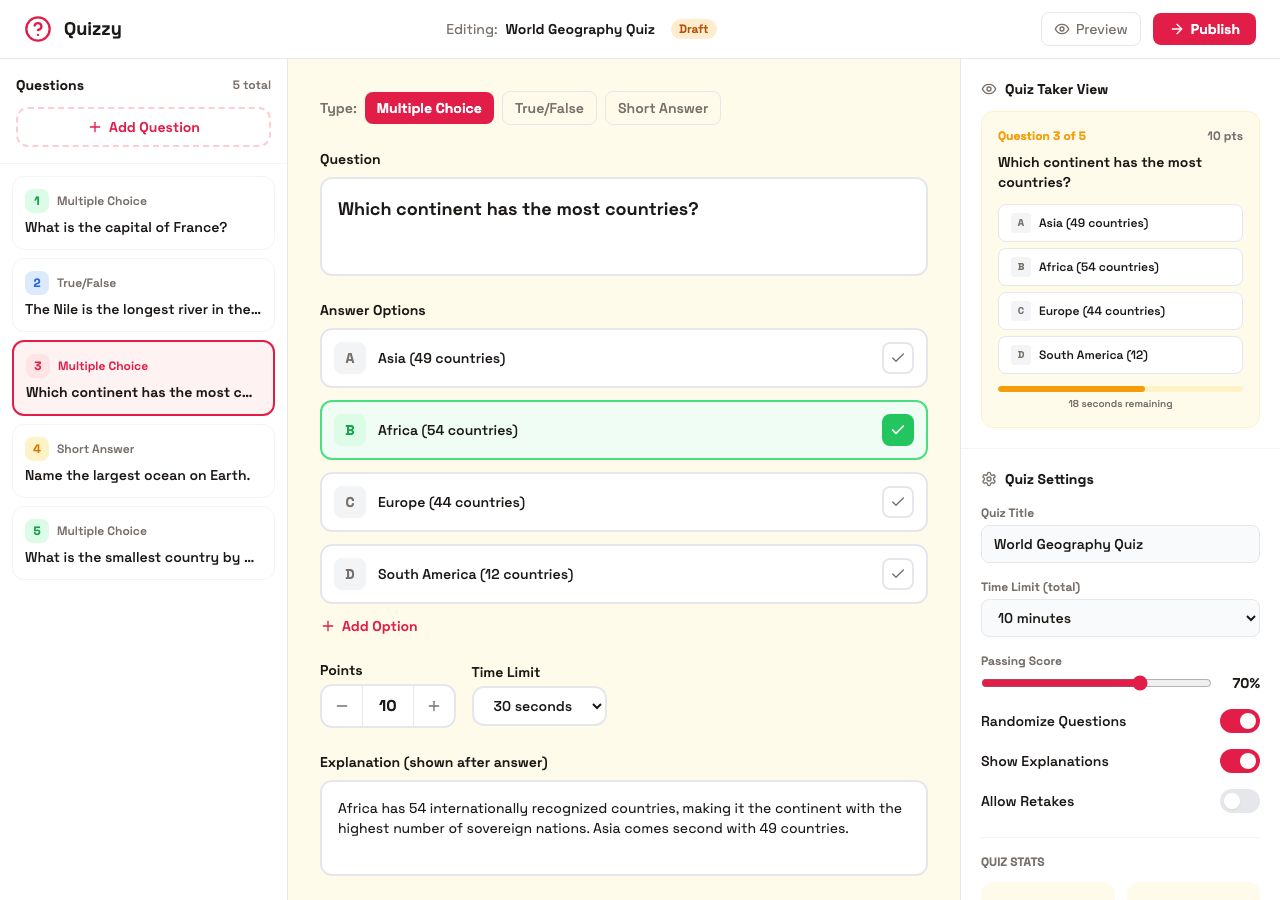
Quiz App for a School Subject
A working quiz on a topic they pick — Science, Sejarah, times tables — with a timer, score counter and their own design. AI writes the code; they check every answer is right.
Try a quiz app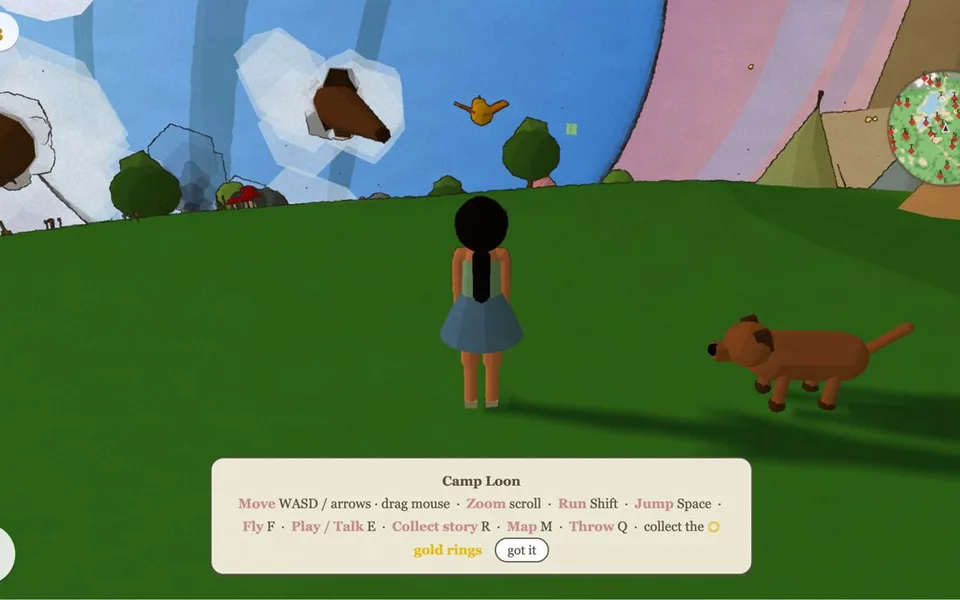 Project 3 · Day 1
Choose-Your-Own-Adventure Game
A story game with branching paths, an inventory and multiple endings. The child invents the world and plot twists; AI helps turn it into a playable game.
Play a story game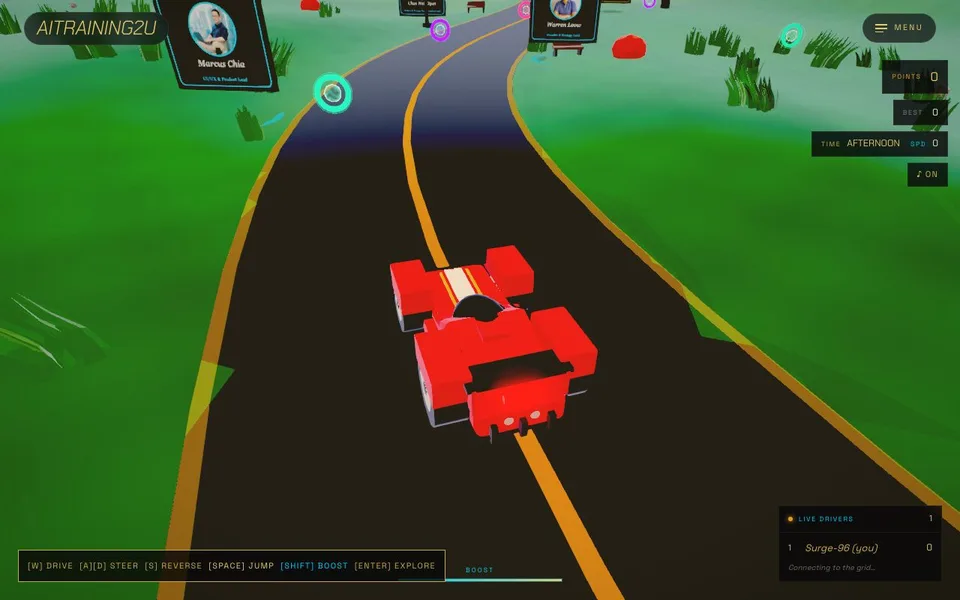 Project 4 · Day 2
Arcade Game
A catch-or-dodge or racing game with levels, a high score and sound — designed on paper first, then vibe-coded and play-tested by classmates.
Play an arcade game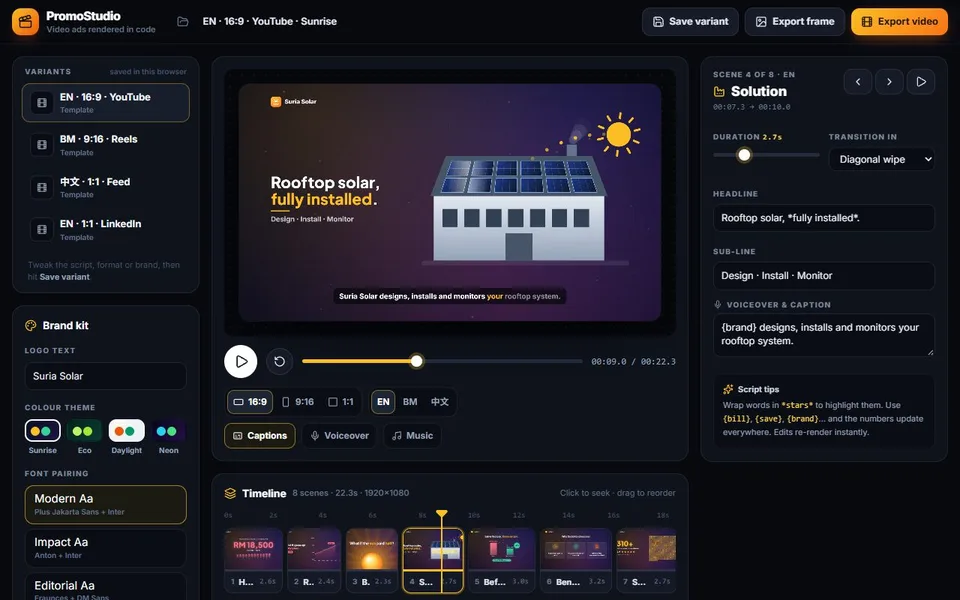 Project 5 · Day 2
AI Video: a Trailer for Their Game
A 30-second animated trailer for their arcade game. They write the script and storyboard, then AI turns it into title cards, captions, motion and music that play in the browser and save as a video.
See an AI-made video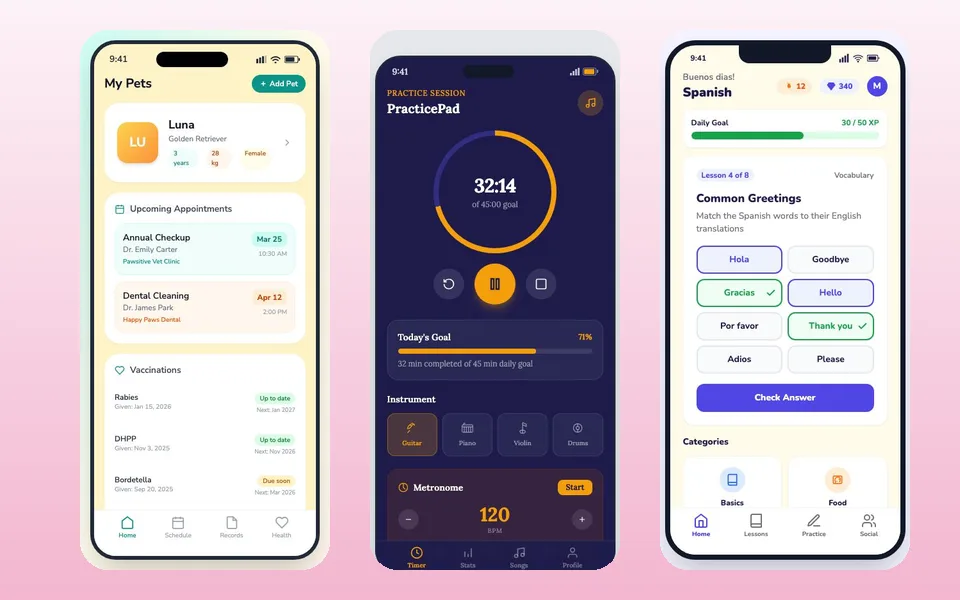 Project 6 · Day 2 Capstone
My Big Idea, Shown to Parents
Each child picks their own app or game (a virtual pet, a practice timer, a language helper, a tool for their family) and builds it from scratch with AI. The class ends with a Showcase where they demo it to parents.
Browse 80+ ideasWhat's Possible
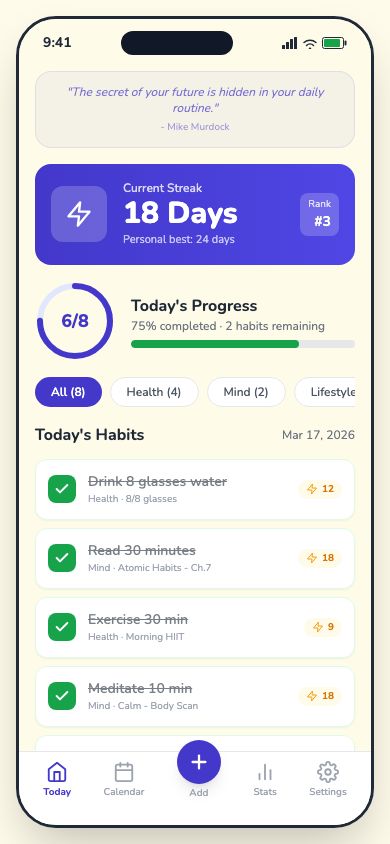
Real games and apps, made by vibe coding
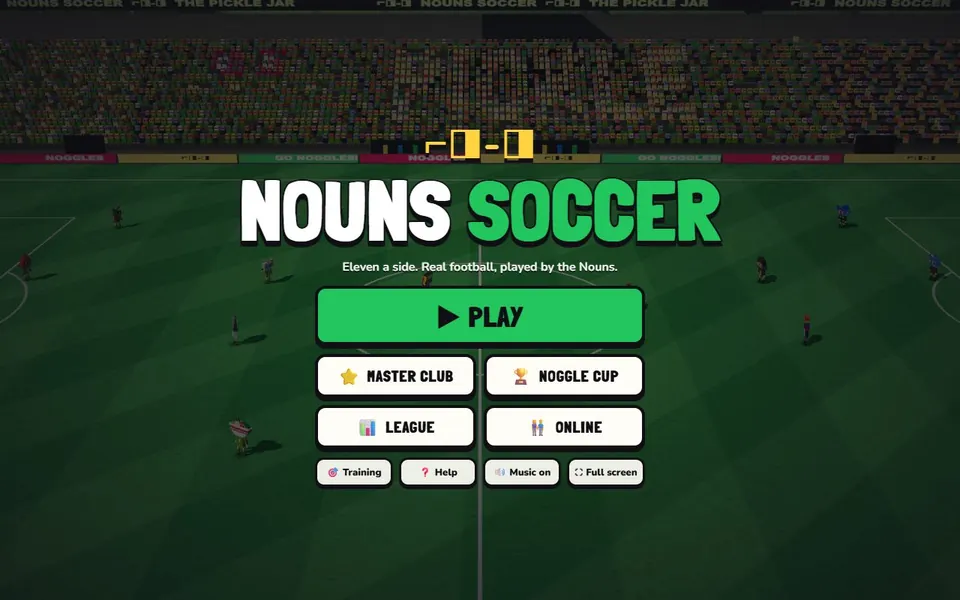
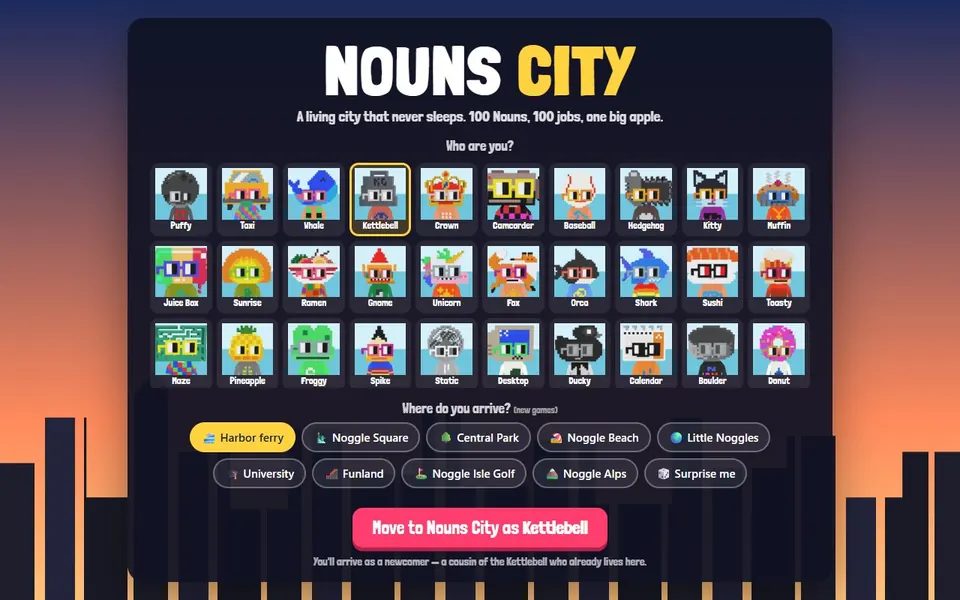
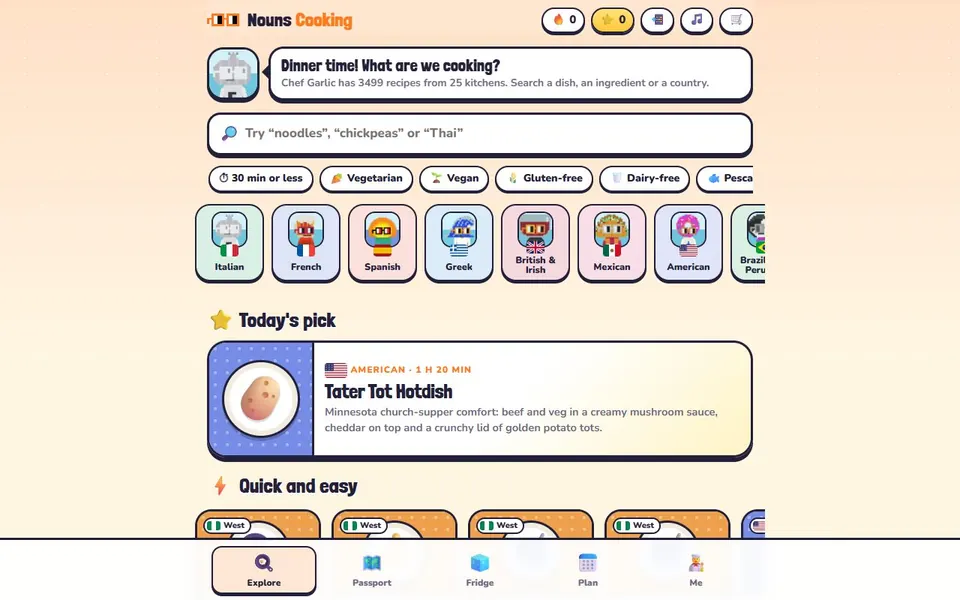
These were all built by describing ideas to AI, the same way kids build in class. Tap any picture to play the real thing.
3D browser games
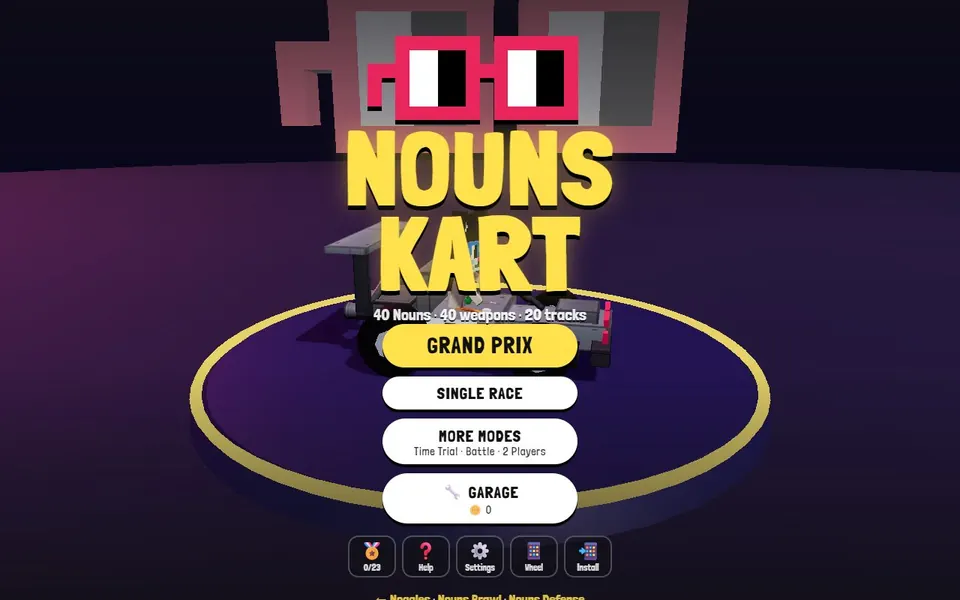
Noggles
3D racing, football, a living city and a cooking game, all running in the browser with no download.
Board games & puzzles
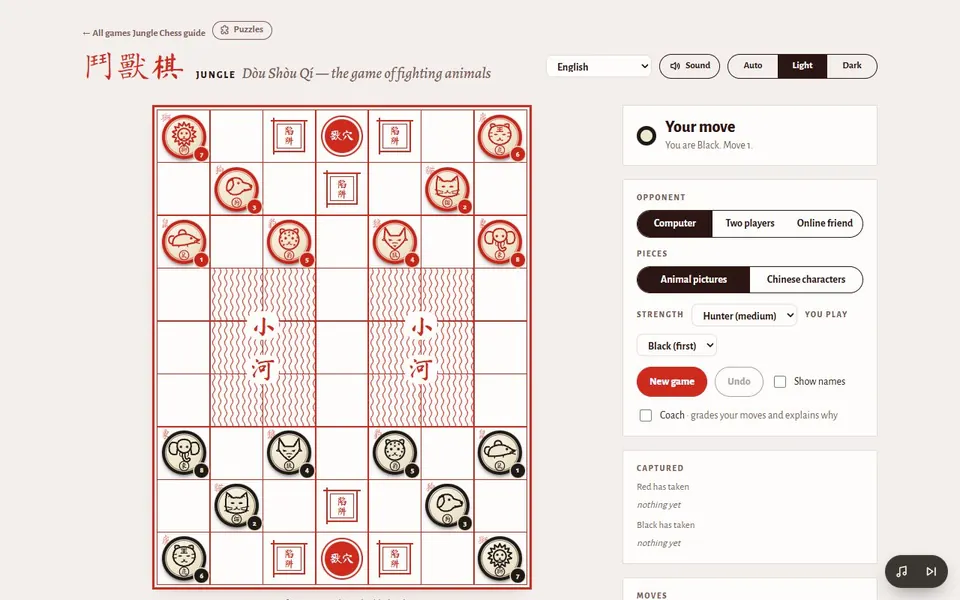
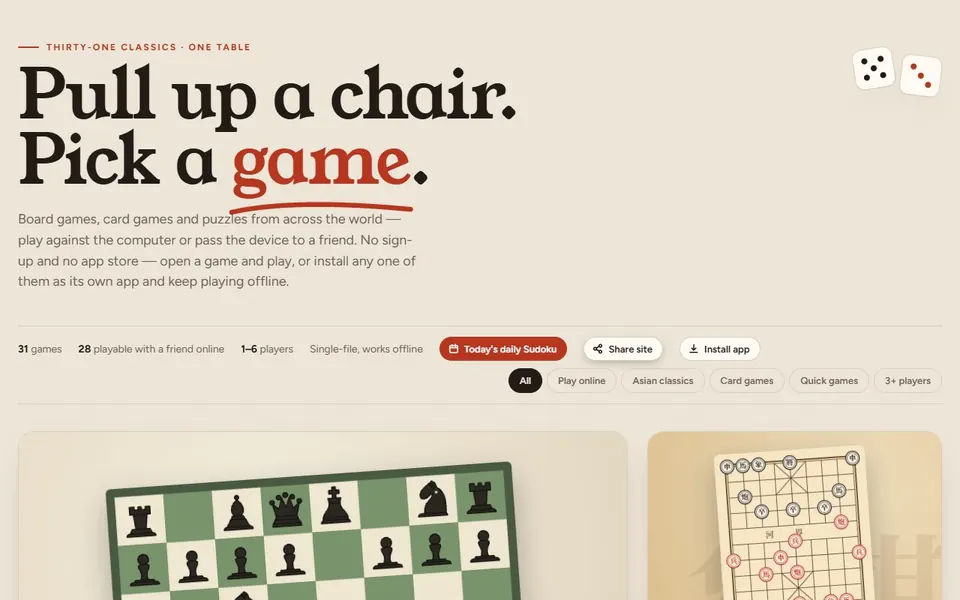
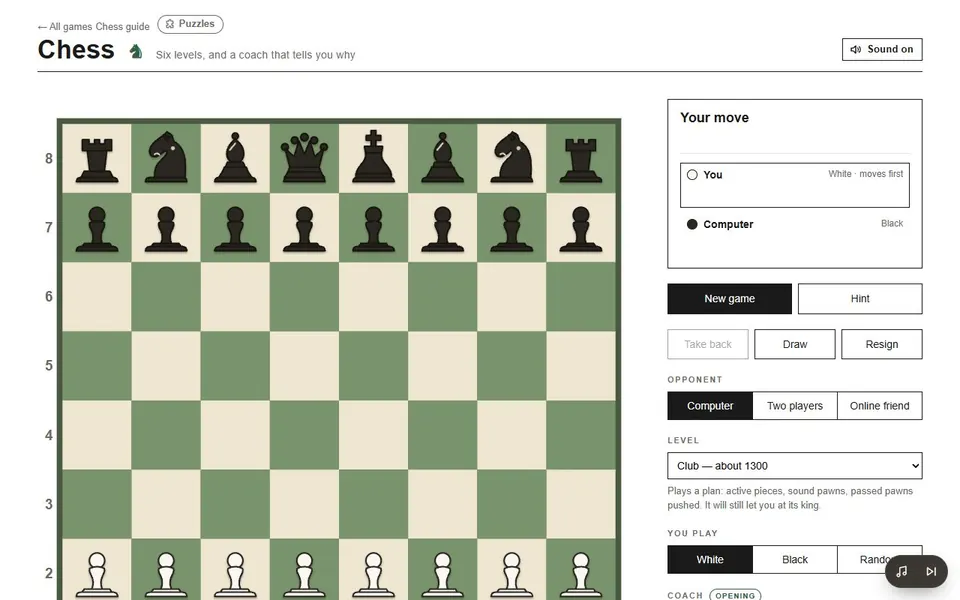
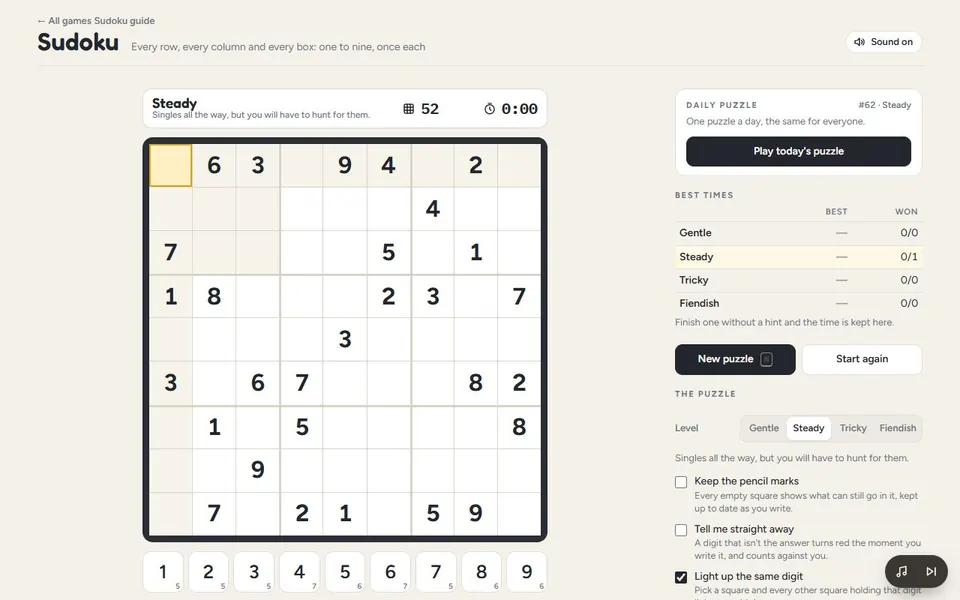
Blinky Games
Chess, Chinese chess, Jungle Chess and a daily Sudoku, with a computer opponent and play-a-friend links.
3D heritage explorer
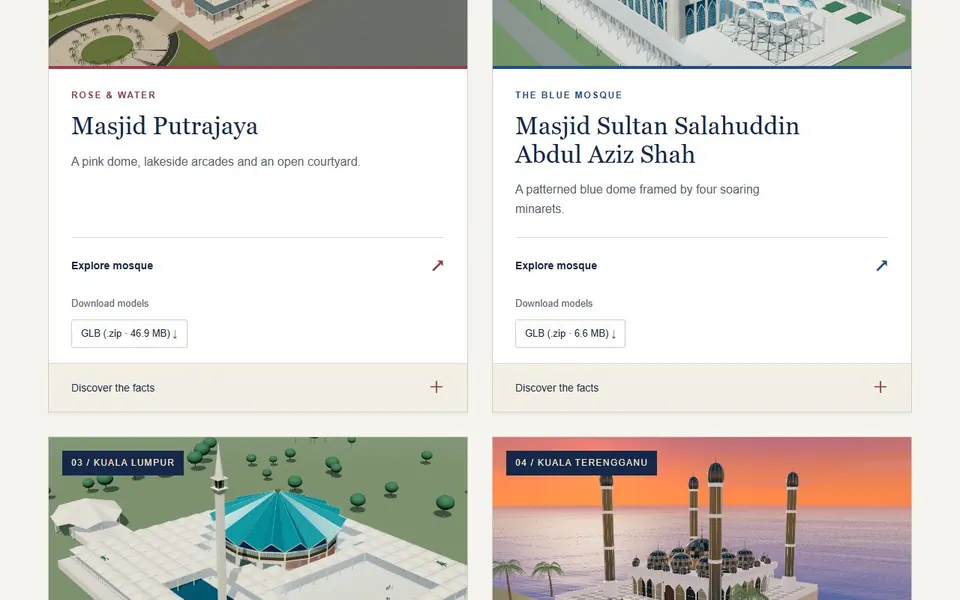
Masjid Malaysia
Explore four of Malaysia’s famous mosques in 3D, with the story and architecture of each, in English and Bahasa Melayu.

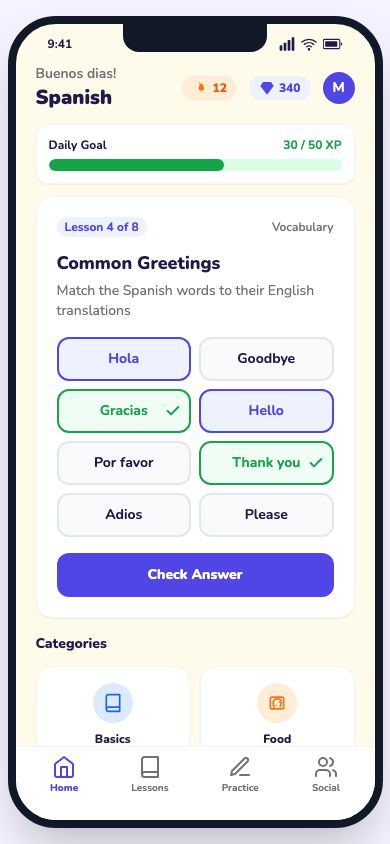
Apps for learning
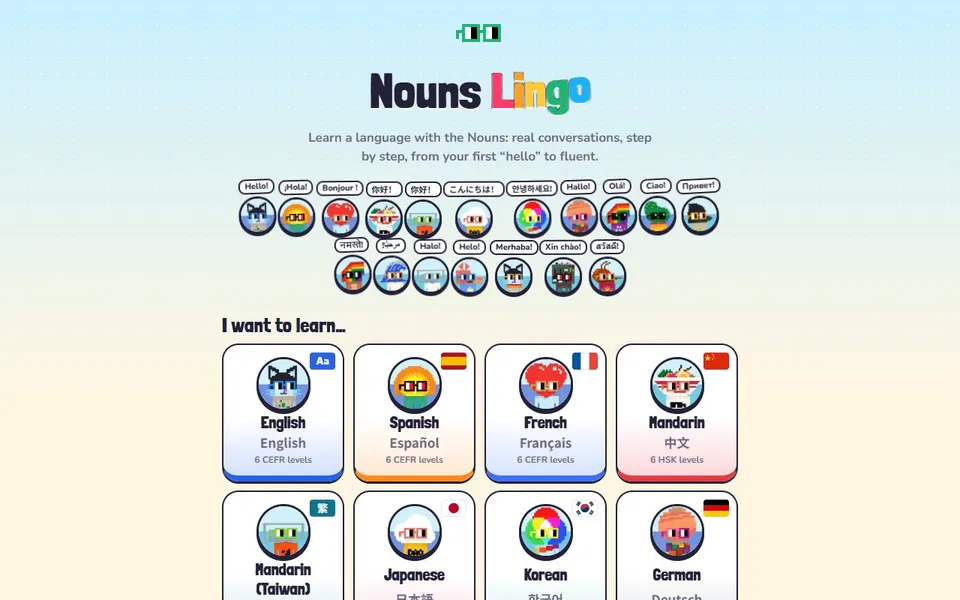
Learning Apps
Nouns Lingo teaches languages from a first hello to fluent conversation, and our vibe coding portfolio has quiz and study apps like the ones kids build on Day 1.
2-Day Syllabus
Less listening. More building.
9:30am to 4:30pm each day. AI literacy and prompting come in short bursts, right when kids need them for the next build — the rest of the time they are making things.
Start Vibe Coding: 3 Projects
Morning
- AI crash course 30 min
How ChatGPT and Claude predict the next word, why they can be confidently wrong, and the class rules: no personal details, and AI helps you learn, it doesn't do your homework.
- The prompt recipe 20 min
What you want, who it's for, what it should look like. Bad prompt vs good prompt, tried live on ChatGPT and Claude.
- Build: All About Me web page
First vibe-coded project. Describe it, generate it in Claude Artifacts or ChatGPT Canvas, run it, change one thing at a time.
- Build: Quiz App
Questions, scoring and a timer. Kids fact-check every question AI writes — spotting AI mistakes, learned by doing.
Afternoon
- Build: Choose-Your-Own-Adventure Game
Plan the story map on paper, then vibe-code it into a playable game with choices, items and multiple endings.
- Bug hunting
When it breaks: describe the bug, give AI the error, test the fix. The skill that keeps beginners from giving up.
- Level up
Add sound, images and animations. Faster builders add a second level or a hidden ending.
- Show and tell
Everyone plays each other's adventure games and gives one compliment and one idea.
Game Studio: 3 Projects & Showcase
Morning
- Real or fake? 20 min
A quick game spotting AI-made images and made-up facts, so kids know when to double-check.
- Plan before you prompt
Sketch the screens, list the rules, write a one-paragraph spec — the habit that separates a working game from a mess.
- Build: Arcade Game
Player movement, falling objects, scoring and levels in the p5.js editor. Younger builders can make theirs in Scratch with AI as coach.
- Play-test and improve
Classmates play each game and suggest one improvement; builders prompt the fix.
- Build: AI Video Trailer
Write a 30-second script and storyboard for their game, then prompt AI to animate it with titles, captions and music. No faces or personal photos.
Afternoon
- Build: My Big Idea
Each child builds their own app or game from their own spec, with instructors coaching one-to-one.
- Polish
A title screen, instructions and a name. Making it feel finished.
- Showcase for parents
A 2-minute demo each: what I built, how I prompted it, one bug I fixed.
- Take it home
All 6 projects saved as files that open in any browser, plus the free tools to keep building at home.
The Toolkit
Free AI tools + ChatGPT and Claude
Most of the free tools need no sign-up at all, so kids can keep using them at home after the class.
Free tools
- Google Teachable MachineTrain image and sound models in the browser
- Quick, Draw! & AutoDrawSee how AI recognises drawings
- ScratchBlock coding for younger builders
- Code.org AI lessonsAI for Oceans: train a model to clean the sea
- p5.js Web EditorRun and edit their vibe-coded games
- Machine Learning for KidsPlug a trained model into a Scratch game
ChatGPT & Claude
- For promptingComparing answers, fact-checking, study-buddy prompts and creative writing.
- For vibe codingChatGPT Canvas and Claude Artifacts turn a description into a working app or game that runs in the browser.
- Run on instructor accountsChildren use supervised class accounts, so no child needs to sign up. Claude's terms require users to be 18+, and ChatGPT's require 13+ with a parent's permission — we follow both.
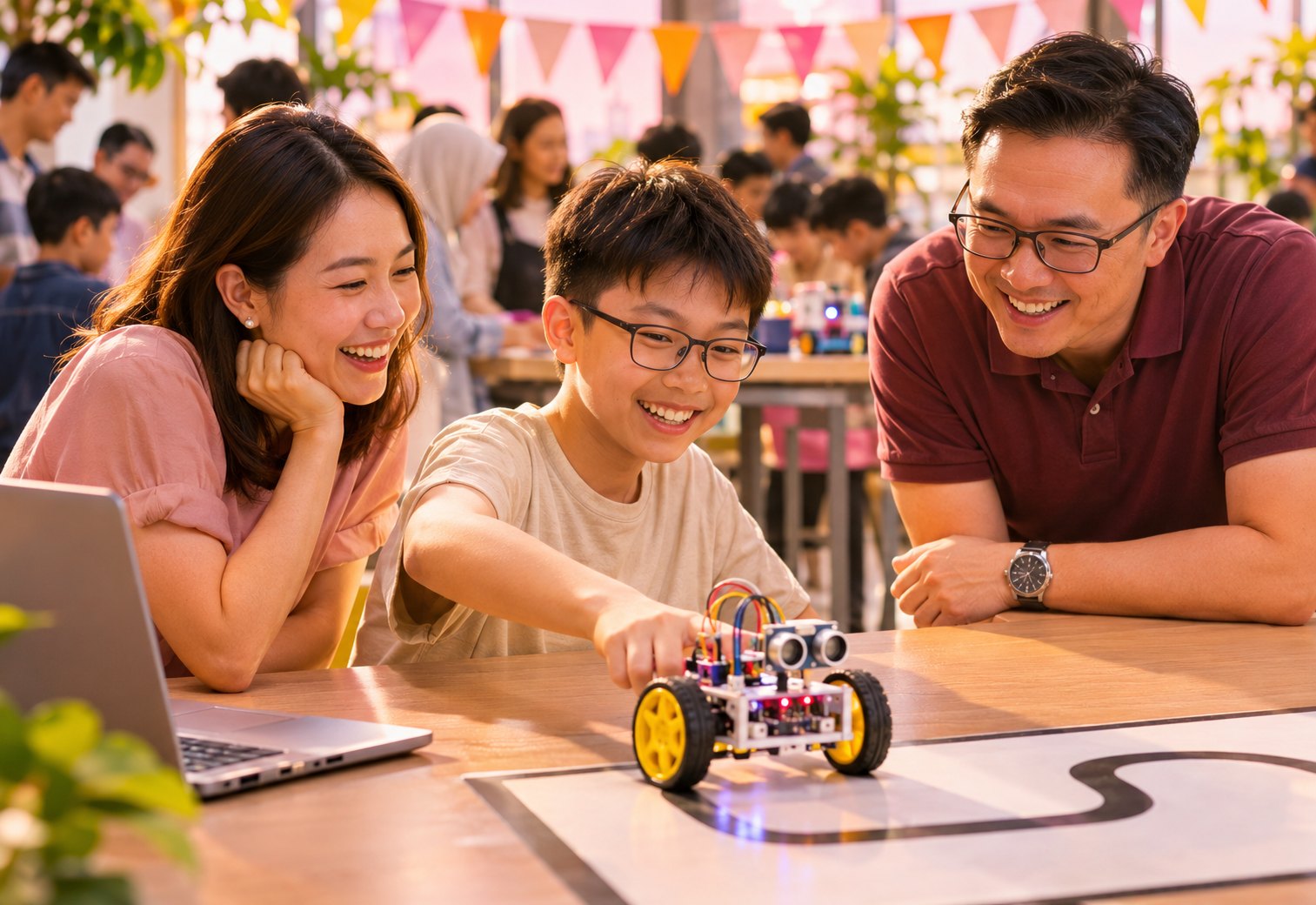
Who It's For
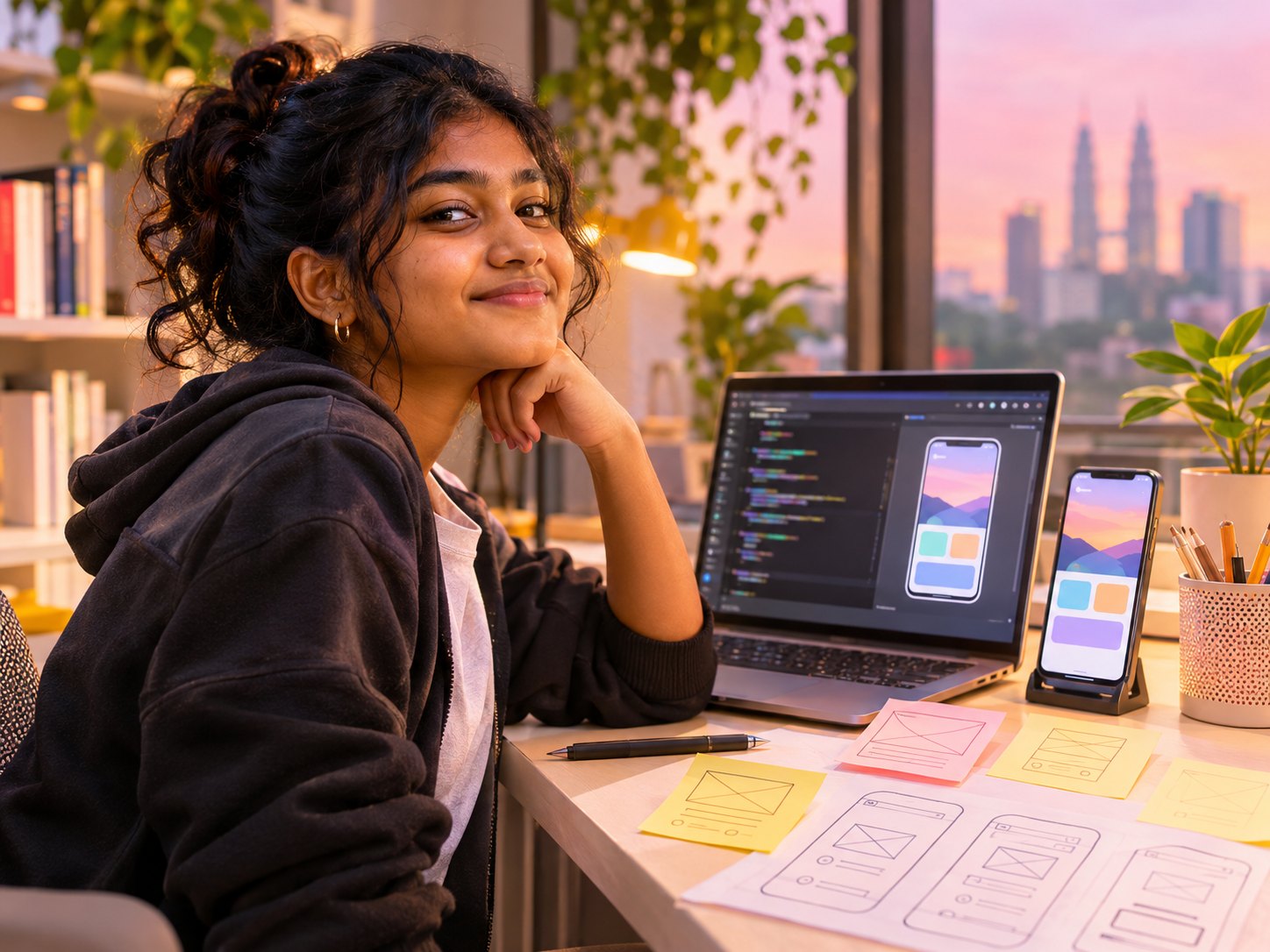
Made for curious kids
Ages 9–12
Curious beginners. Extra Scratch and visual tools, with instructors pairing up for typing-heavy steps.
Ages 13–15
Gamers and makers who want to build real things. More vibe coding, bigger capstone projects.
Parents
Who want their child using AI safely and honestly — and want to see it at the Showcase.
Schools & centres
International schools, tuition centres and holiday programmes booking a private run for their students.
Safety First
How we keep the class safe
AI is powerful, so we treat it like any other powerful tool: with rules, supervision and honesty about its limits.
ChatGPT and Claude run on supervised instructor accounts.
Kids learn never to share names, schools, photos or addresses with AI.
Instructors watch every screen and coach one-to-one.
Clear lines on AI and homework that parents and teachers can agree with.
Class Dates
Upcoming classes
Our first class runs over the December school holidays in the Klang Valley.
19–20 December 2026
Saturday–Sunday · 9:30am – 4:30pm
Klang Valley, venue to be confirmed. Dates are tentative; we'll confirm them with every family that reserves a seat.
Reserve a SeatPrivate class, your dates
For schools, tuition centres, holiday camps and company family days. We bring the syllabus and instructors to you, or host at our venue.
Plan a Private ClassClass Fee
One fee, everything included
Per child, 2 full days
RM 2,500
+ 8% SST · RM 2,700 total
Bring a friend or come with a parent
RM 3,500 for two
+ 8% SST · RM 3,780 total · save RM 1,500
- 2 full days of hands-on building, 9:30am – 4:30pm
- 6 vibe-coded projects to take home
- Supervised access to ChatGPT and Claude — no child accounts needed
- Small groups with one-to-one coaching
- Parent Showcase at the end of Day 2
- Certificate of Completion
Schools and groups: ask us about a private class. Not HRDC claimable.
Your Instructors
People who build with AI every day, and know how to make it click for kids.

Marcus Chia
UI/UX & Product Lead
12+ years in product design and front-end engineering, shipping consumer and SaaS products used across ASEAN. Leads AITraining2U's vibe coding classes, turning ideas into working apps with Claude and ChatGPT.

Warren Leow
Founder, AITraining2U & Super Group
Former management consultant at Bain & Company and previously CEO of Designs.ai. Founded AITraining2U, which has trained over 1,200 professionals across Malaysia in practical AI.
Questions parents ask
Two days from now,
they could be showing you their own game.
Small classes, real projects and safe habits that last longer than any app.
WhatsApp Us About the Next Class