
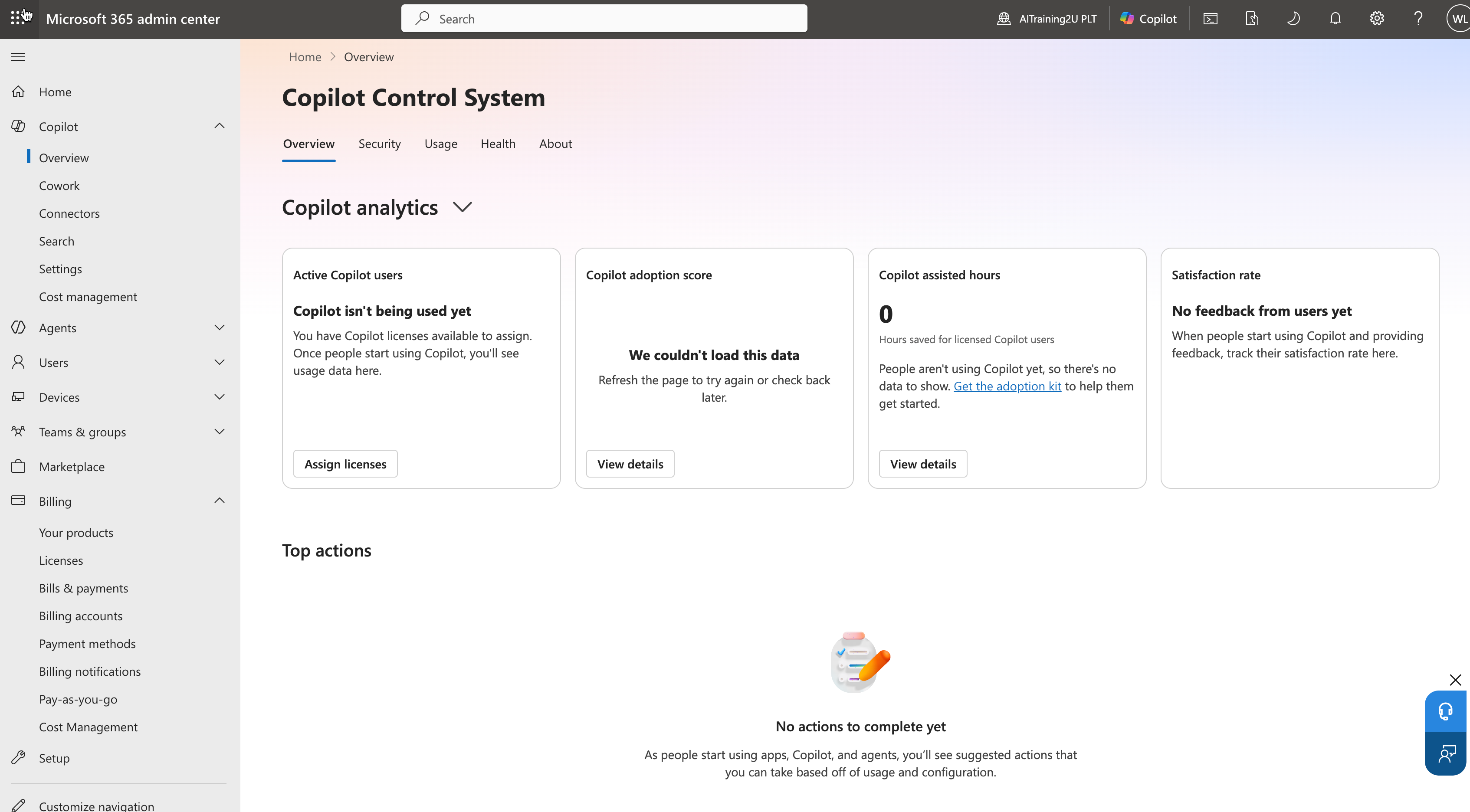
Here is the pattern we see again and again. A Malaysian company buys 200 Microsoft 365 Copilot licences at roughly US$30 per user per month, the CIO announces it on Teams, and three months later the usage dashboard shows that a quarter of those licences have never generated a single prompt. The software works. The rollout did not.
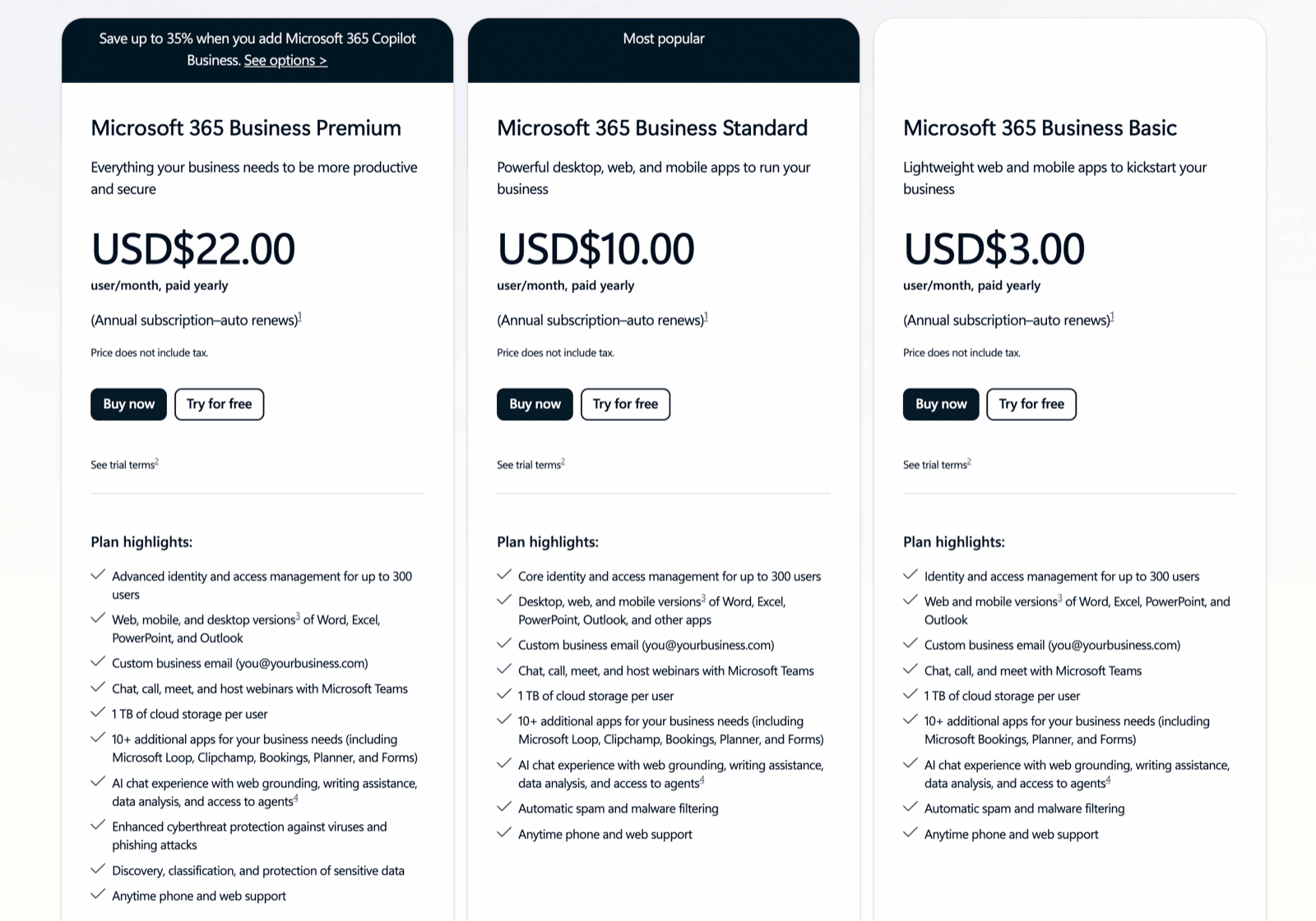
Copilot is not a feature you switch on. It is a new way of working, and new ways of working need training. The good news for Malaysian employers: that training is almost certainly claimable through HRD Corp's SBL-KHAS scheme, which means the upskilling that protects your licence investment can be funded from a levy you are already paying.
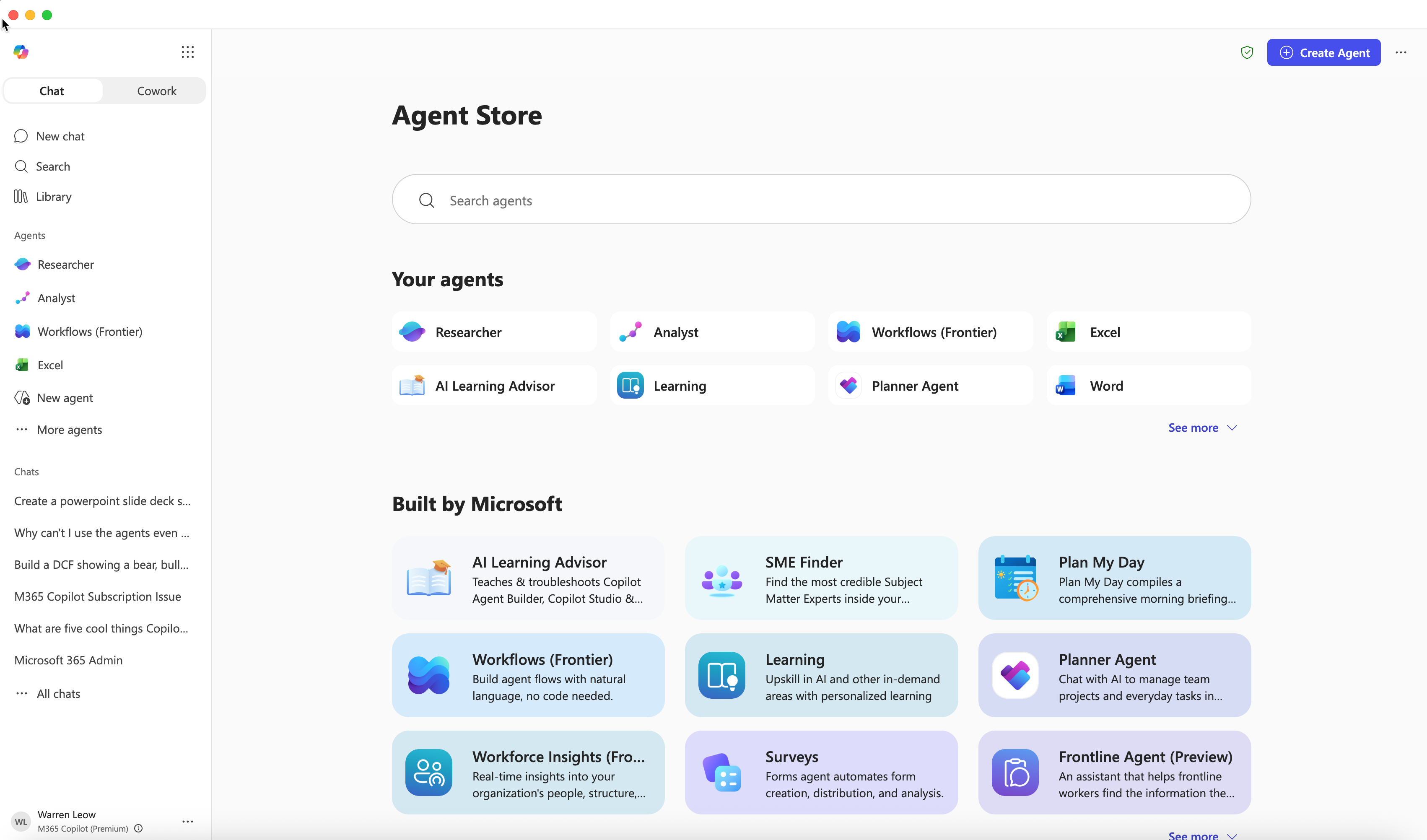
Why Copilot 365 stalls without training
Microsoft's own Work Trend Index research found that early Copilot users were 29% faster across common tasks like searching, writing and summarising, and saved around 14 minutes a day — roughly 1.2 hours a week. 85% said it got them to a good first draft faster. Those numbers are real, but they describe people who actually know how to use the tool. The staff who never learned to prompt it get none of that.
The gap between a licence and a habit is the entire game. Most people open Copilot, ask it one vague question, get a mediocre answer, and quietly go back to doing things the old way. Structured training closes that gap in a day.
What Microsoft 365 Copilot actually is
Microsoft 365 Copilot is the AI assistant built into Word, Excel, PowerPoint, Outlook and Teams, plus Copilot Chat and the Copilot Studio agent builder. If your team is unclear on the difference between the free Copilot, the paid Microsoft 365 Copilot, and Copilot Studio agents, start with our explainer: What is Microsoft Copilot 365? For concrete department-by-department examples, see Copilot 365 use cases for Malaysian teams.
How HRD Corp SBL-KHAS funds the training
Every HRD Corp registered employer pays a levy of 1% of the monthly wages of its Malaysian employees. That money sits in your levy account, and SBL-KHAS (Skim Bantuan Latihan Khas) is the scheme that lets you spend it on training delivered by registered providers. Under SBL-KHAS, HRD Corp pays the training provider directly from your levy balance — you are not out of pocket and your cash flow is untouched.
Two rules matter. First, the employees attending must be Malaysian citizens. Second, the application must be submitted and approved before the training starts; retroactive claims are rejected. Approval typically takes 7 to 14 working days. For the full mechanics, see our guide on how to claim HRD Corp for AI training and the broader HRDC AI training overview.
What good Copilot 365 training covers
- Prompting fundamentals — how to give Copilot context, constraints and a role so it produces useful output instead of generic filler.
- Copilot in each app — drafting and rewriting in Word, formulas and analysis in Excel, deck generation in PowerPoint, inbox triage in Outlook, and meeting recaps and action items in Teams.
- Copilot Chat and Work IQ — grounding answers in your own documents, emails and chats rather than the open web.
- Copilot Studio agents — building simple internal agents (an HR policy assistant, an SOP lookup bot) without code.
- Data security and governance — what stays inside your tenant, oversharing risks, and the controls IT should set before a wide rollout.
The ROI math for a Malaysian SME
Take a 60-person professional services firm in PJ where 40 staff use Copilot daily. At 1.2 hours saved per person per week, that is 48 hours a week returned to the business — more than a full-time equivalent. The licences cost real money, but the training is what converts the spend into that return, and SBL-KHAS covers the training. The decision is not really "should we train"; it is "why would we leave levy money on the table while our licences sit idle".
Three rollout mistakes we see most often
Buying licences for everyone on day one. A better pattern is a pilot group of 15 to 30 enthusiastic users across a few departments, trained properly, who become internal champions. They surface the use cases that matter for your business and create the peer pressure that drives the wider rollout. Trying to switch on 200 people cold almost always produces a flat usage curve.
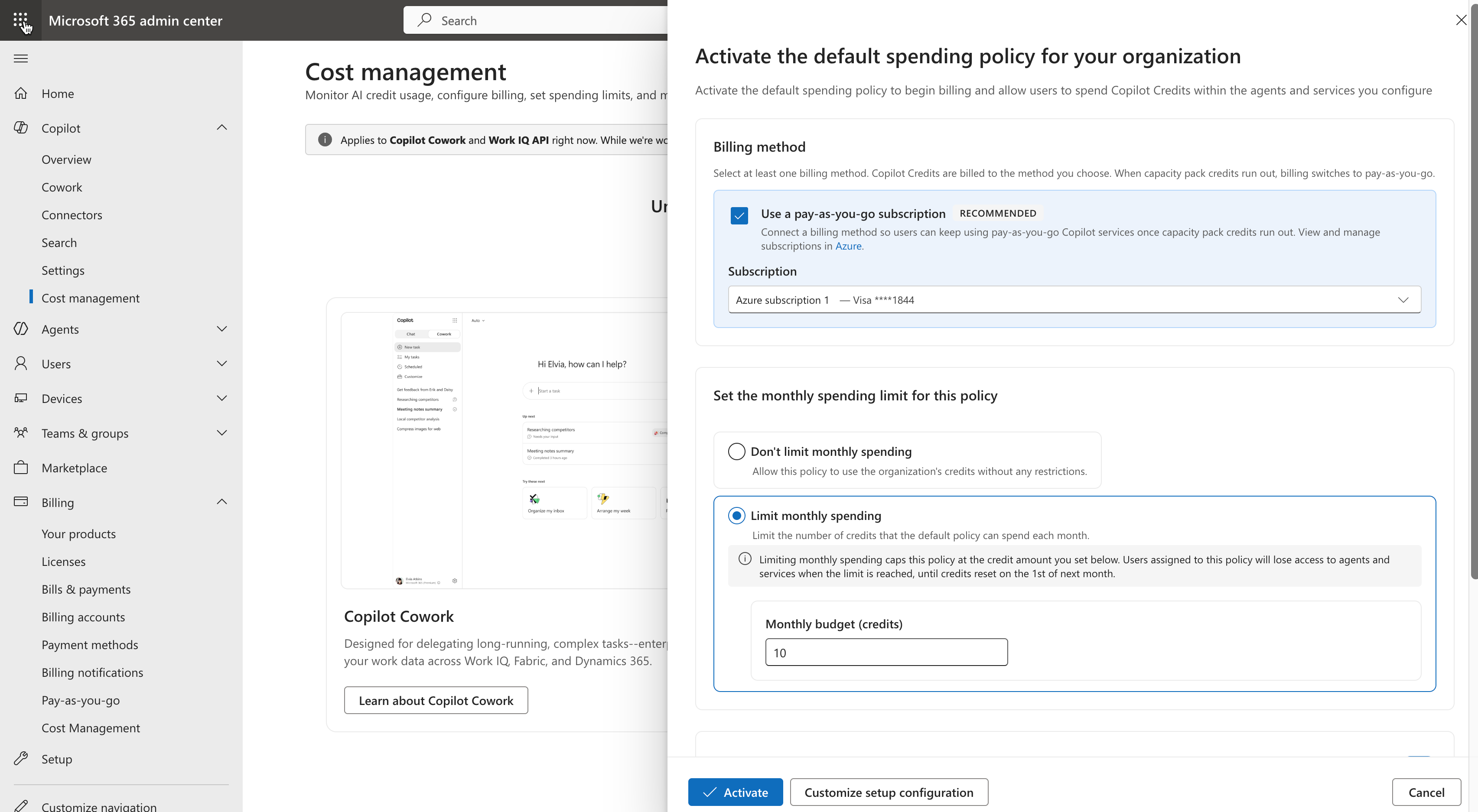
Skipping the governance conversation. Copilot respects existing Microsoft 365 permissions, which sounds reassuring until you remember how many SharePoint sites and shared drives in a typical Malaysian company have permissions that nobody has reviewed since 2019. Before a wide rollout, IT should run a permissions and oversharing review so Copilot does not cheerfully surface a director's salary file to a junior executive.
Treating training as a one-off. A single kickoff session gets people started, but Copilot and its agents change every quarter. The organisations that get the most out of it run a short refresher and a power-user clinic a few months in — both still claimable. Adoption is a habit, not an event.
Running it for your team
AITraining2U delivers hands-on Microsoft Copilot 365 training as a public class or in-house for your team, mapped to your industry and your existing Microsoft 365 setup. It is HRD Corp SBL-KHAS claimable for eligible employers, and we provide the quotation and course outline your HR team needs for the e-TRiS submission. See the AI Agentic Automation with Copilot365 programme for the full outline and upcoming dates.

