"What would my team actually use it for?" is the question every Malaysian manager asks before approving Copilot licences. Fair question — the marketing is all soaring abstractions, and the dashboard does not care about abstractions. So here is the concrete version, by department, based on what we see working in real Malaysian rollouts — not a feature list, but the handful of jobs people reach for Copilot to do every single day.
For context on the numbers: Microsoft's Work Trend Index found Copilot users were 29% faster on common tasks, saved about 1.2 hours a week, and 68% said it improved the quality of their work. The 2026 report frames the next step as agents doing work, not just assisting with it. Both matter below.
Finance and accounting
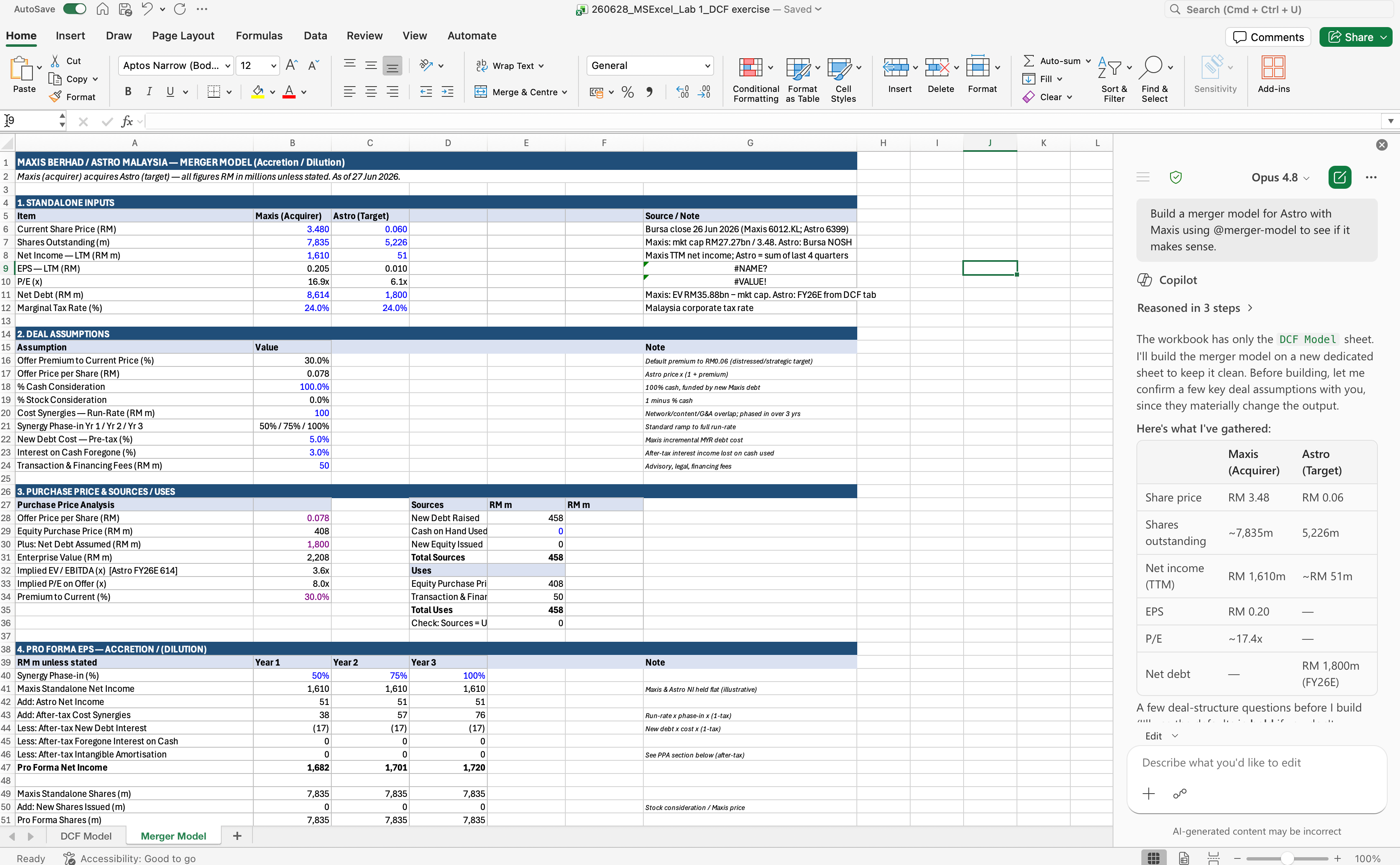
Excel is the obvious win: ask Copilot to explain a broken formula, build a variance analysis, or summarise what changed between two versions of a budget. In Outlook it drafts the "please settle your overdue invoice" email in a tone you choose. For month-end, it summarises long email threads about a reconciliation dispute into a clear timeline. Our finance-focused readers will recognise these from our work on AI for accountants in Malaysia.
HR and admin
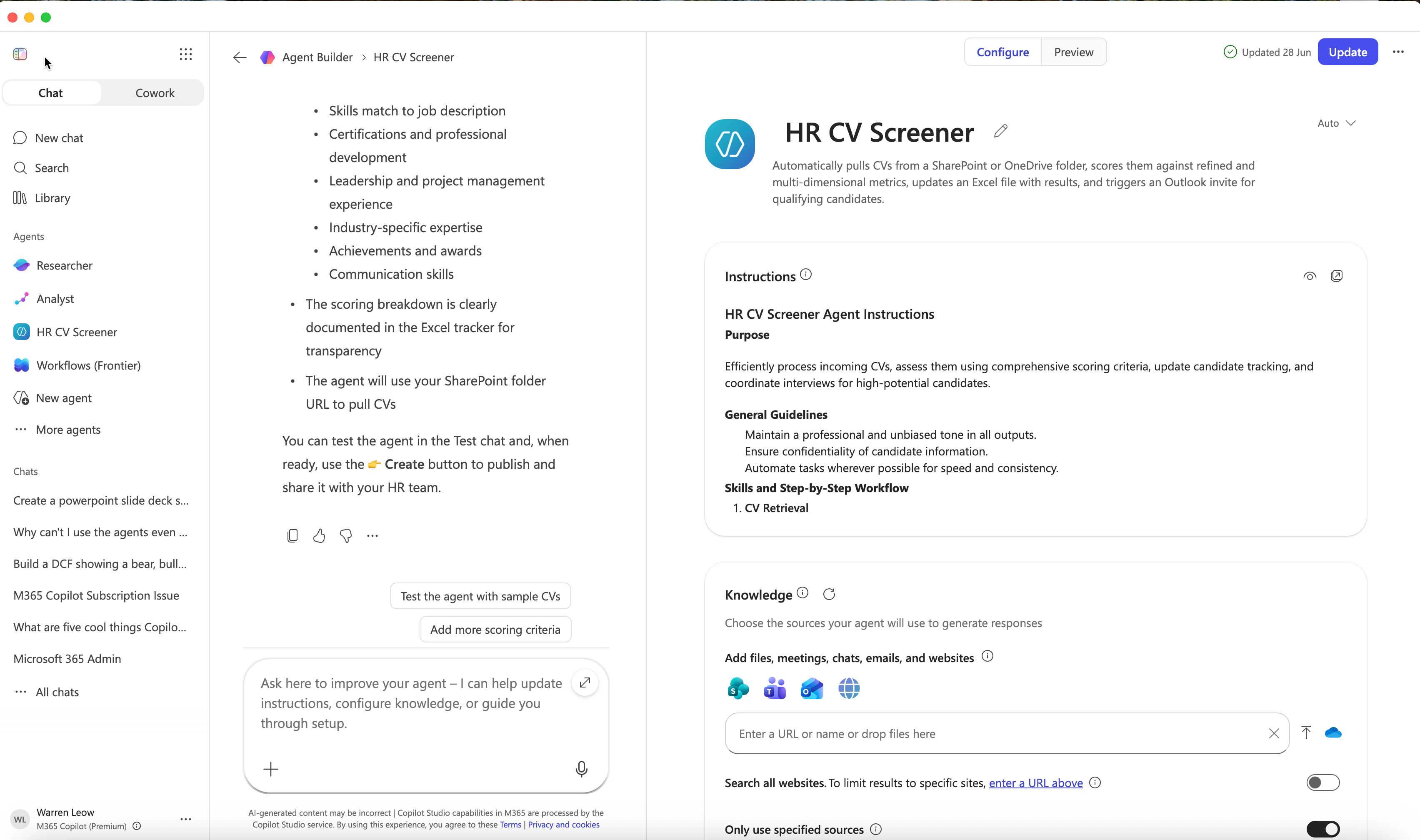
Drafting job descriptions, summarising interview notes, turning a policy PDF into a plain-language FAQ, and generating onboarding checklists. An HR policy agent built in Copilot Studio — "how many days of compassionate leave am I entitled to?" — deflects a large share of repetitive questions without anyone touching code.
Sales and marketing
Copilot turns a messy call note into a follow-up email, drafts a proposal from a template plus a few specifics, and summarises a prospect's entire history before a meeting. In PowerPoint it generates a first-draft pitch deck from a Word brief. Marketers use it for first-draft copy, repurposing one blog into five social posts, and summarising campaign results.
Operations
Meeting recaps with action items are the single most-loved feature in operations-heavy teams — nobody wants to be the minute-taker. Copilot also turns rambling process notes into a clean SOP, and an SOP-lookup agent gives frontline staff instant answers instead of digging through SharePoint.
Management and executive assistants
Catch up on a missed meeting in a fraction of the time, get a daily inbox digest, and prep for the next meeting with a one-paragraph brief on each attendee and the open threads. For executives, this is the difference between starting the day reactive and starting it informed.
Customer service and support
Support teams use Copilot to draft replies in a consistent tone, summarise a long back-and-forth before escalating, and pull the relevant policy or order history into the conversation. A Copilot Studio knowledge agent trained on your help-centre articles and SOPs lets agents answer in seconds instead of searching three systems. For tier-one queries that follow a script, a customer-facing agent can handle the repetitive volume and hand off to a human when the conversation gets unusual — the same pattern we use in workflow automation projects, just inside the Microsoft stack.
The Copilot Studio agents worth building first
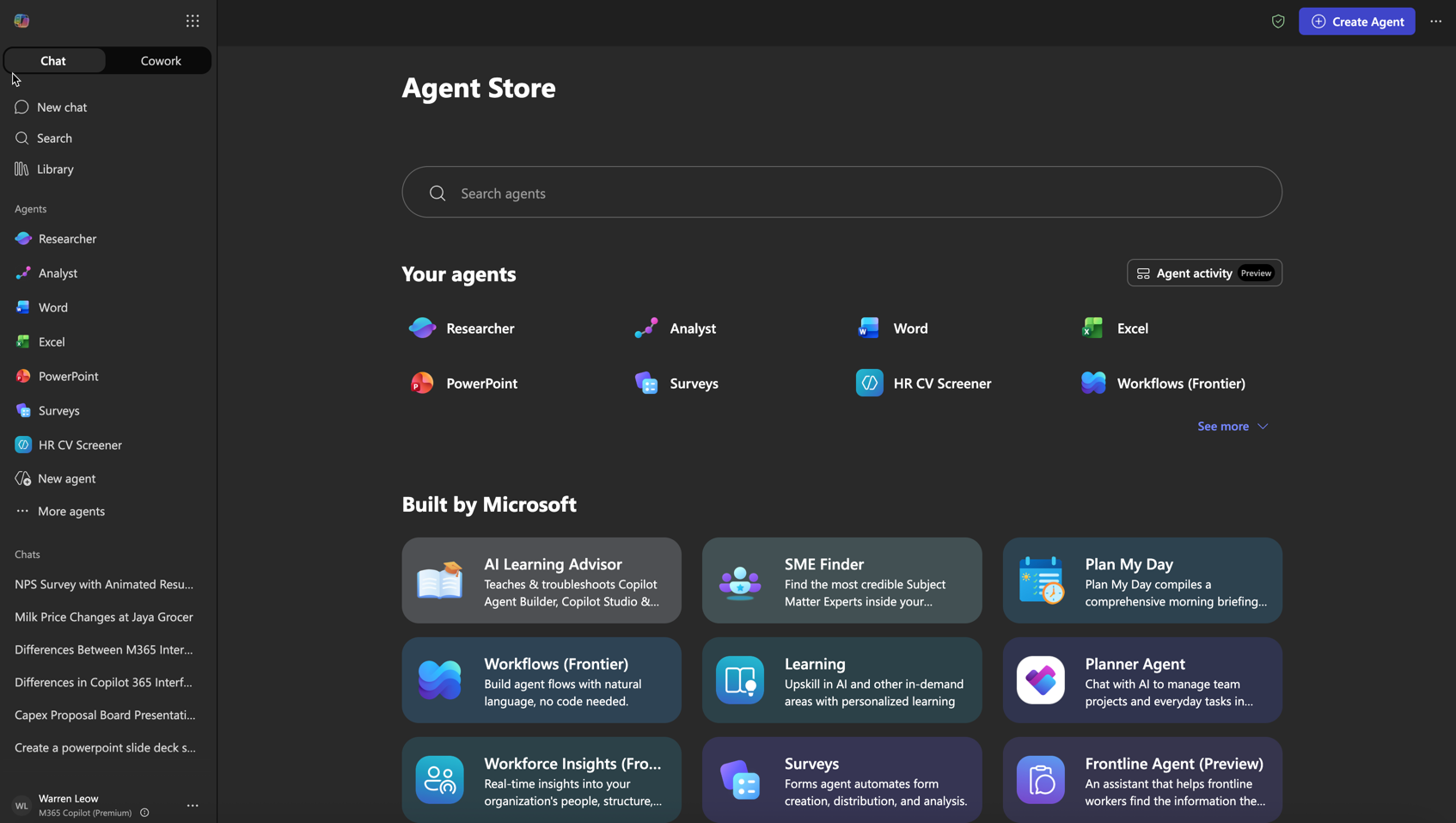
Start with internal, low-risk agents where wrong answers are cheap and easy to catch: an HR policy assistant, an SOP or product-knowledge bot, and an IT-helpdesk triage agent. These are included for licensed Copilot users and need no code. Once those prove value, customer-facing agents (billed via credits, Azure required) are the natural next step — and the bridge into full workflow automation.
How to measure the return
Do not measure "prompts sent". Measure the work. Pick two or three tasks your team does constantly — weekly reports, meeting minutes, proposal first drafts — and time them before and after. The Microsoft Work Trend Index average is around 1.2 hours saved per person per week, but your own numbers are what will convince a skeptical finance director.
The cleanest pilot is six weeks: baseline the tasks in week one, train the group in week two, then track for a month. Multiply realistic hours saved by a loaded hourly cost and compare against the licence spend. In most Malaysian knowledge-work teams the time saved covers the licences several times over — provided people were actually trained to use the tool, which is the variable that decides whether the pilot succeeds or quietly dies.
Where Copilot struggles — and the fix
Copilot is a brilliant first-drafter and a poor final authority. It will state a financial figure confidently when it has guessed, soften a legal clause that should not be softened, and surface a file someone forgot to lock down. The fix is not to avoid it — it is to train people on what to trust, what to verify, and how to set guardrails. That is exactly what turns licences into habits, and it is HRD Corp SBL-KHAS claimable: see our Copilot 365 HRDC training guide or the Copilot365 course.