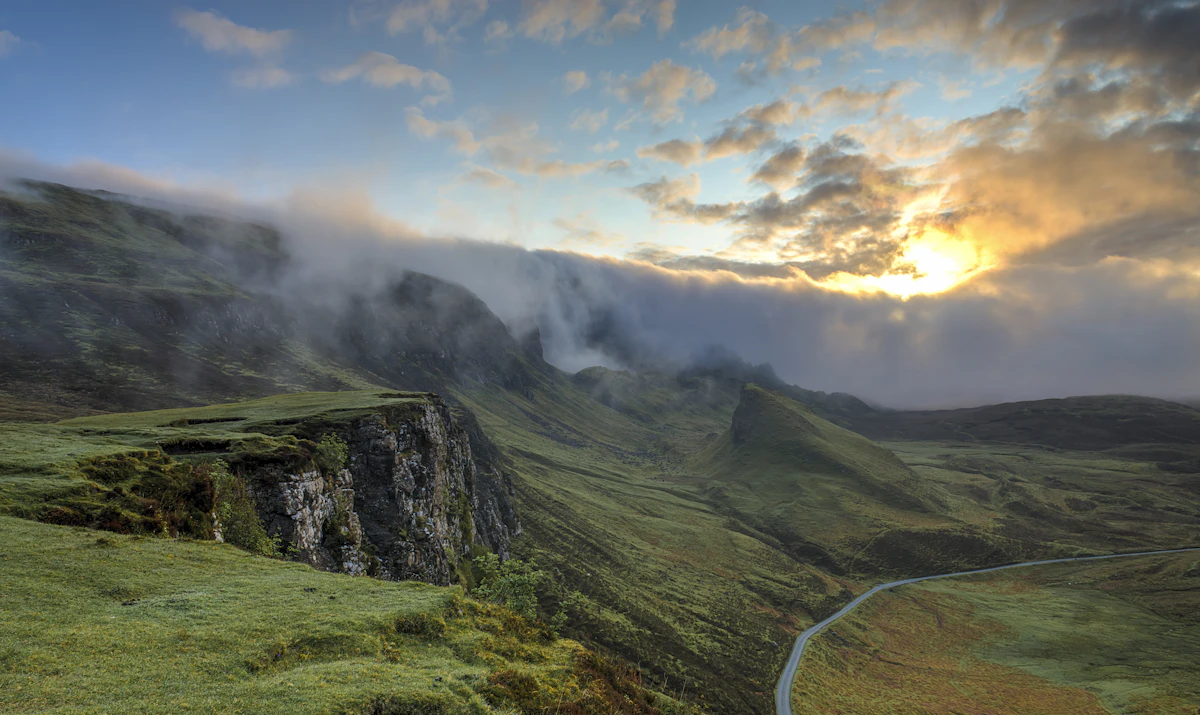
Every endless landscape you can wander in a browser rests on the same handful of ideas. A secondary-school student who has met vectors and geometric series already knows most of the maths. The hard part is the build order, which is where an AI agent such as Claude Opus 5.5 or GPT-6 Astra shines or makes a mess.
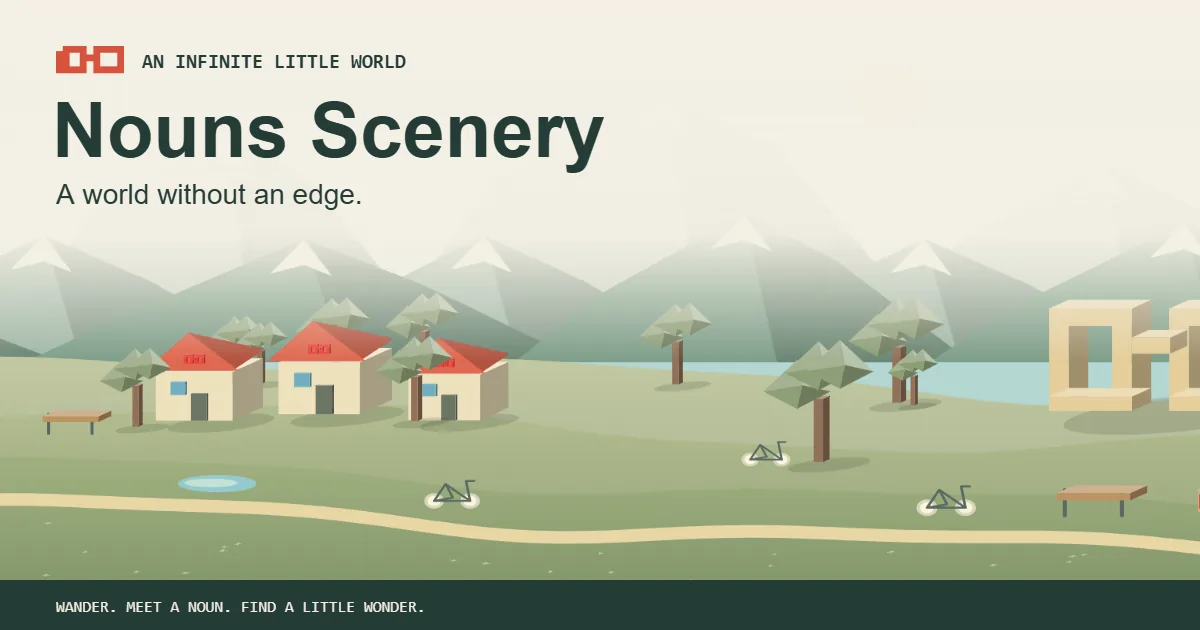
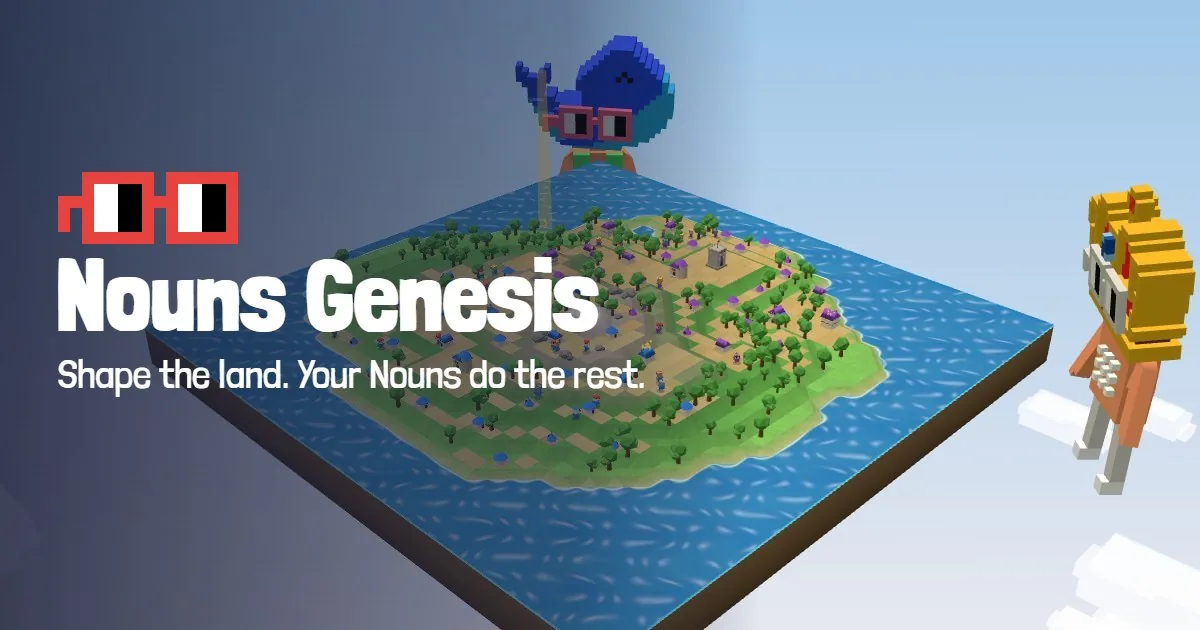
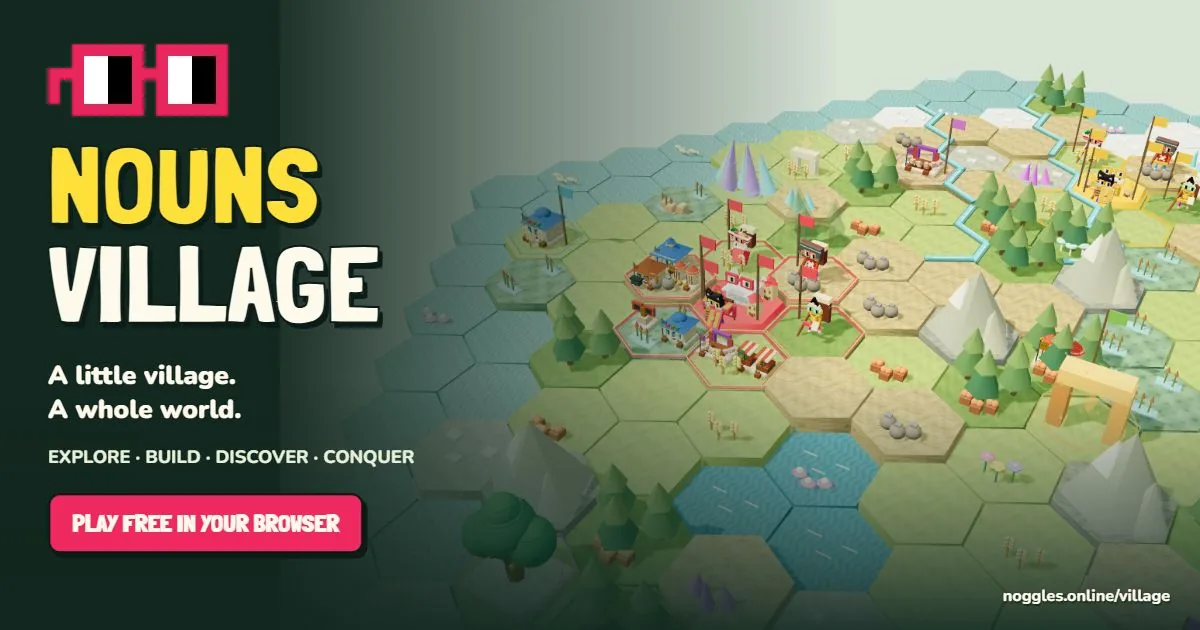
Here is procedural world generation with AI, stage by stage, with a prompt for each. Our examples are three things our team built with Claude Code on Noggles: Nouns Scenery, an endless 3D landscape generated from your own seed, with 12 sceneries, weather and postcards to save and share; Nouns Genesis, a 3D god game where you raise and flatten the land and send volcanoes and tornadoes at rival gods; and Nouns Village, a 4X strategy game on a rotatable 3D hex world.
What “procedural” means
A hand-made level is data: an artist placed every hill. A procedural world is a recipe that computes the hill when you need it. That is how Scenery can call itself “a world without an edge” and still load in a browser tab.
| Stage | What it is | Why it matters |
|---|---|---|
| 1. Seed | A number that drives every random choice | Same seed, same world, so sharing works |
| 2. Noise | A smooth random function: (x, z) in, height out | Natural hills instead of spikes |
| 3. Octaves | Noise layers added, each finer and quieter | Mountains and small bumps from one function |
| 4. Biomes | Moisture noise plus height picks grass, sand or snow | Places worth visiting |
| 5. Chunks | Tiles that load and unload around the player | “Endless” on a phone |
| 6. Edits | Player changes stored on top of the generated land | God games and save files |
Build the stages in this order.
Seeds: why the same world comes back
Games use pseudo-random number generators: a formula that, from a starting number called the seed, produces a sequence that looks random but repeats exactly. Same seed in, same world out, on every device.
The classic trap, AI-written code included: JavaScript’s Math.random() cannot be seeded; MDN says its seed “cannot be chosen or reset by the user”. If world code calls it anywhere, the world changes on every refresh and location sharing is impossible. To send a friend to your valley, you send the seed and a coordinate, and their browser rebuilds it. Change the generator’s maths later and old links lead somewhere new, so version your links.
I want an endless 3D landscape in the browser using three.js. The player drags to wander.
Plan and propose first before we proceed. Cover:
1. A seeded PRNG that drives every random choice, with separate derived seeds for height, moisture and props. No Math.random() in world code.
2. Which noise you will use and why.
3. Chunk size, how many chunks stay loaded, when they unload.
4. A share link with generator version, seed and x/z position.
5. Budget: 60 fps on a mid-range Android phone.
List files and build order. Wait for my OK.
Noise: the school maths behind natural hills
Fresh random heights give spikes; terrain needs randomness that changes smoothly, which noise provides. The classic comes from Ken Perlin, who, according to The Book of Shaders, was asked in the early 1980s to make more realistic textures for the film Tron; he received a Technical Achievement Award from the Academy of Motion Picture Arts and Sciences in 1997. His 2002 “Improved Noise” ships with three.js as the ImprovedNoise add-on.
- A grid. Your point sits inside one square, at a fractional offset from its corners.
- Random arrows. Each corner gets a pseudo-random gradient vector from a shuffled permutation table.
- Dot products. Each corner’s arrow is dotted with the vector from that corner to your point: the dot product from school vectors.
- Smooth blending. The results are interpolated after passing the offset through an S-curve such as 3t² − 2t³, whose slope is zero at both ends, so the seams vanish.
Perlin later presented simplex noise at SIGGRAPH 2001. It uses triangles, so in 2D it blends three corners instead of four, and the saving grows in higher dimensions. For a heightmap either works; ask the model to justify its choice.
Octaves and biomes: from bumps to places
One noise layer gives rolling blobs. Amit Patel’s Red Blob Games guide shows the standard fix: add octaves, doubling frequency and halving amplitude each time (1 + ½ + ¼ …), then divide by the sum. That sum is a geometric series, which is why extra detail never blows up the height. Raise the result to a power above 1 to flatten valleys and sharpen peaks, then pick the biome from height plus a separate moisture map with its own seed. Scenery’s 14 art styles and 63 palettes then set the mood.
Implement terrain for ONE chunk, no streaming yet.
- three.js ImprovedNoise, wrapped so it is seeded from our PRNG.
- 5 octaves: frequency x2, amplitude x0.5 each, normalised by the amplitude sum.
- pow(height, exponent) with the exponent on a slider.
- Separate moisture noise; biome colour from a height x moisture table (water, sand, grass, forest, rock, snow).
- Debug panel: seed, exponent, octaves, greyscale heightmap toggle.
Tell me which values look most natural and why.
Chunks: how “endless” fits on a phone
Because every point can be computed on its own, as Red Blob Games points out, you only build the patch around the player. Split the world into square chunks, build a ring around the camera and dispose of the ones behind. Sample noise in world coordinates, not chunk coordinates, or you get cracks at the borders. Trees, rocks and the locals you meet in Scenery belong in an InstancedMesh, which the three.js docs recommend for many copies of one geometry and material because it cuts draw calls.
Make it endless.
- 64 x 64 unit chunks; keep a 5 x 5 ring around the camera; dispose geometry and materials of chunks that leave it.
- Sample noise in world coordinates. Add a test that neighbouring chunk edges match.
- Build chunk geometry in a Web Worker so dragging never stutters.
- Trees and rocks: one InstancedMesh per type per chunk, placed by the seeded PRNG.
- Then add Share (copy a link with version, seed, x, z, camera angle) and Save postcard (2x PNG, UI hidden).
- Show fps, draw calls and loaded chunks. If you miss 60 fps on a mid-range phone, tell me what you would cut first.
Editing the land: what a god game adds
Genesis turns a world you visit into one you shape, solo or in team matches. Once a player raises a hill, the land no longer matches the seed, so keep the two apart. The seed rebuilds the original land; an edit layer of height offsets sits on top. Save files stay tiny, and in team play you only send edits over the network. Disasters become edits too: a quake is a burst of offsets, a volcano a growing cone.
Add god-game editing to our seeded terrain.
- Raise, lower and flatten with a circular soft brush. Mouse and touch: one finger paints, two fingers move the camera.
- Store edits in a separate height-offset layer. Never overwrite generated heights.
- Earthquake and volcano disasters, both implemented as edits.
- Units walk on generated + edits; rebuild only affected chunks after a stroke.
- Design (do not build) the network message for one stroke in a 2v2 match.
Plan and propose first, then build and give me a test list.
Strategy maps such as Nouns Village snap the same noise to hexagons. In Red Blob Games’ hex grid guide each hex gets cube coordinates q, r and s that always sum to zero, turning neighbours and distance into one-line formulas. Ask the model for axial or cube coordinates from day one.
Where Opus 5.5 and Astra fit
Both write competent noise code from a good brief. Opus 5.5, the default in Claude Code on paid plans, is built for long agentic coding jobs, which suits the plan, build, play, report loop our team used for Noggles. GPT-6 Astra is strong at computer use, so it can open a browser and hunt visual bugs like chunk cracks itself. See our Opus 5.5 vs Sonnet 5.5 guide and GPT-6 Astra explainer. Either way, you play it and decide whether the hills look right.
Bug: seed 4821, about 300 m east there is a straight step in the terrain and trees float above it.
Expected: smooth hills across chunk borders; trees on the surface.
Repro: open ?v=3&seed=4821&x=0&z=0 and drag east to ~300 m.
Device: Chrome on a mid-range Android phone and desktop Chrome.
Open the page yourself and confirm. Explain the likely cause in two sentences, then fix it and add a test that would have caught it.
The loop that builds worlds
- 1Plan firstSeed, noise, chunks and budget in writing. Fix the plan, not the code.
- 2Build one stageOne chunk before streaming, terrain before edits.
- 3Play it on a phoneRefresh with the same seed; open a shared link on another device.
- 4Report what is wrongSeed, position, device, expected versus actual. Repeat.
A strong project for students
A 14-year-old can build stages 0 to 2 with a parent in an afternoon and watch dot products become mountains. A college student who adds streaming, share links, an edit layer and a short write-up of the maths has a real portfolio piece. Start with vibe coding for teenagers, AI prompting for college students or AI fundamentals for students. More in this series: AI game development prompts, living cities and NPCs and how to make a game with AI.
Review before you share. AI-written generators can look right while quietly breaking determinism or leaking memory as chunks unload. Test one seed on two devices and watch memory for ten minutes, especially if children will play it.
Two hands-on days building working apps with Claude Code: plan first, prompt in stages, test on real devices, ship. No coding background needed.
Next public class: 5–6 December 2026 at Worq Subang · seats available
Going deeper on Claude Code? See Mastering Claude & Multi-Agent Orchestration. Prefer Codex and OpenAI tools? Try our ChatGPT and OpenAI training. Individuals, students and parents can join public classes too; no HRDC needed.
HRD Corp claimable. AITraining2U is an HRD Corp registered training provider. Our public and in-house courses are claimable under the HRD Corp Claimable Courses (SBL-KHAS) scheme, and we prepare the grant paperwork with you. See HRDC-claimable AI training: courses, costs and how to claim.