
Ask any Malaysian parent what their child does on a tablet and the honest answer is usually “games”. The question worth asking is whether some of those games could teach something. In 2026 that is a real option, because a small team, or a determined student, can now build a decent learning game with AI in weeks rather than months.
This guide has two halves. First, for parents and teachers: what a good AI-built learning game looks like and how to judge one in five minutes. Second, for teenagers, college students and teachers: how to build one with Claude Opus 5.5 or GPT-6 Astra, with the prompts to copy.
Two examples we built, and what they get right
Our team builds free browser games and apps at Noggles.online with Claude Code. Two of them are learning apps, and they make useful reference points.
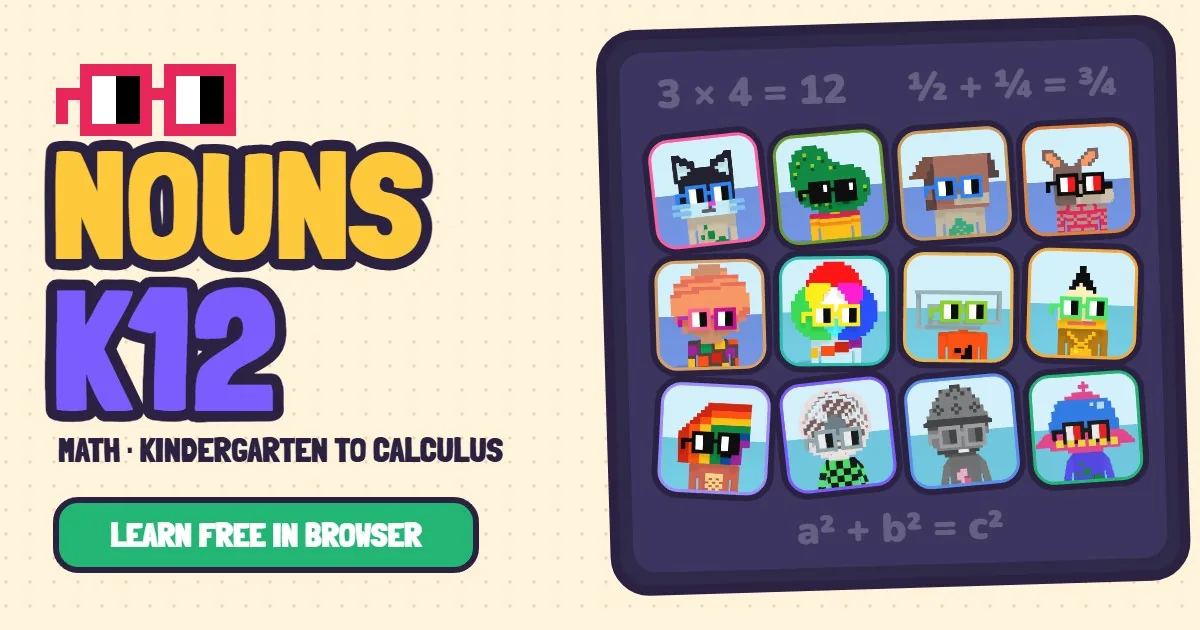
- Nouns K12 covers maths from kindergarten to Grade 12: 148 skills, each with an explanation, step-by-step worked examples, adaptive practice, quizzes and grade tests. It is aligned to the US Common Core, which matters for a Malaysian family: the method is right, but the topic order will not match your child’s textbook exactly.
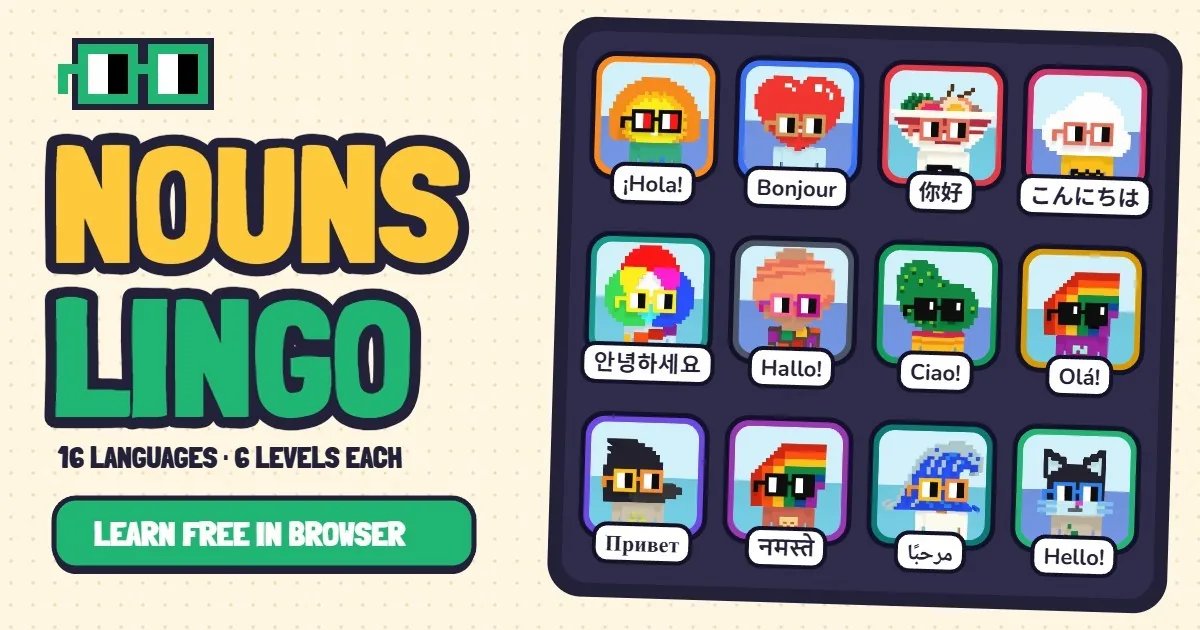
- Nouns Lingo teaches 18 languages, including Malay, Mandarin (simplified and Taiwan traditional), English, Japanese, Korean, Thai and Arabic, through vocabulary, stories, reading, pronunciation and speaking practice. Each language has six levels mapped to CEFR, HSK, JLPT or TOPIK, with 3D role-play scenes and native-voice audio.
Both run in the browser with no download, no sign-up and no ads, and both can be installed to play offline. Two of our other apps are worth a look purely for their privacy design. Nouns Dance Party lets children dance with their real hands through webcam hand tracking, and Noggles Lens Lab, a face-tracked photo booth, processes the camera and photos on the device. If a learning game needs a camera or microphone, that is the standard to ask for.
How to judge an AI learning game in five minutes
Play it yourself first. Get three questions deliberately wrong and watch what happens. Then check the table.
| What to check | Good sign | Walk away if |
|---|---|---|
| Adaptive practice | Questions get harder after a run of correct answers and step back after mistakes. | The same ten questions every time, whatever the score. |
| Worked examples | A wrong answer shows the method, one step at a time. | Just a red cross and the right answer. |
| Voice and audio | Clear narration or native-speaker audio, with text on screen too. | Robotic voice, or audio with no way to read along. |
| No ads, no dark patterns | No ads, no loot boxes, no streak guilt-trips, no pay-to-skip. | Pop-up ads or prompts to buy coins between questions. |
| Privacy | Works without an account; progress stays on the device; camera features process locally. | Asks for a child’s name, school, photo or contacts before the first question. |
| Curriculum fit | Topics map to what the class is actually doing this term. | Generic “Grade 3 maths” that skips half of the syllabus. |
A quick checklist for parents and teachers. It applies to any learning app, AI-built or not.
On privacy, Malaysian law is clear on one point. The Personal Data Protection Act 2010 has no special chapter on children, but a person under 18 cannot give valid consent, so Regulation 3(3) of the PDP Regulations 2013 requires consent from a parent or guardian before a commercial app processes the child’s personal data. A game that asks a nine-year-old to type in their full name and school is a warning sign, whatever its intentions. If you run a school or tuition centre, our PDPA and AI compliance guide covers the wider rules, and UNICEF’s guidance on AI and children is a sound reference for design.
AI-made content still needs a human check. A model can write a maths explanation that looks right and contains a wrong step. Whoever publishes a learning game, parent, teacher or student, should check every worked example and answer key before a child sees it.
Building one: the loop that works
The process our team used for every Noggles game is short. Plan first, build, play it, report what is wrong, repeat. For the first game the prompt to Claude Code was simply: “Plan and propose first before we proceed.” That single line saves hours, because you fix the design before any code exists.
Plan, build, play, fix: the learning-game loop
- 1Map the curriculumList the topics, the order and what “mastered” means for each. The model plans around this, so make it accurate.
- 2Plan and propose firstAsk the AI for a design and file plan. Read it, change it, then approve.
- 3Build one skill end to endOne topic with explanation, practice, feedback and a quiz. Do not build 40 topics before one works.
- 4Playtest with a real learnerWatch a child or classmate play. Note where they get stuck or bored.
- 5Report bugs precisely and iterateWhat you did, what you expected, what happened. Then add the next skill.
Which model? Opus 5.5 is the default in Claude Code on paid plans and is built for long agentic coding sessions, which is what a game is. GPT-6 Astra runs in Codex and ChatGPT and is strongest on long-horizon agent work and computer use; OpenAI has published its own guide to building games with Astra. Both cost money at scale, so for a student project start on a normal subscription and keep sessions focused. Our Claude course and ChatGPT and OpenAI course cover each tool in depth.
Five prompts to start with
Start with the curriculum map. In Malaysia, primary schools follow the KSSR (Kurikulum Standard Sekolah Rendah) and secondary schools the KSSM (Kurikulum Standard Sekolah Menengah). The Ministry of Education is rolling out a new curriculum in stages from 2027, beginning with Year 1 and Form 1, so check the current Dokumen Standard Kurikulum dan Pentaksiran (DSKP) for your year group before you trust any topic list, including one the AI writes.
I want to build a browser maths game for Malaysian Year 4 pupils following the KSSR. Before any code, draft a curriculum map: the main topics for Year 4 Mathematics, split into small skills, in teaching order. For each skill give: a one-line learning goal, prerequisite skills, three sample questions at easy, medium and hard, and the most common mistake pupils make. Mark anything you are unsure of so I can check it against the DSKP. Plan and propose first; do not write code yet.
Using the approved curriculum map, build the practice engine for one skill only: adding and subtracting fractions with the same denominator. Rules: start at medium. After 3 correct in a row, move up a level. After 2 wrong in a row, move down and show a worked example. A skill counts as mastered after 8 of the last 10 correct at hard. Store progress in localStorage only; no accounts, no server, no analytics on answers. Show me the logic as a short table before you implement it.
When a learner gets a question wrong, do not just show the answer. Show a worked example of the same type with different numbers, one step per screen, with a Next button. Then give a similar question to try again. Keep the language simple enough for a 9-year-old, in English and Bahasa Melayu (toggle in settings). Never use words like 'wrong' or 'fail'; say 'Let's look at it together'. List every explanation you generate in a file called explanations.md so a teacher can check them.
Add narration to every explanation and question using the browser's built-in speech synthesis, with a mute button and speed control. Keep all text on screen while it is read aloud. Make every button at least 48px, support keyboard and touch, and check colour contrast for a learner with colour-blindness. No microphone or camera access in this version. Test on a low-end Android phone screen size and tell me what breaks.
Make the game an installable web app that works offline after the first visit: add a manifest and a service worker that caches all assets. Total download under 5 MB. Confirm there are no ads, no third-party trackers, no external fonts or scripts loaded at runtime, and no personal data collected. Then write a one-page note for parents explaining what the game stores on the device and how to reset it.
When something breaks, report it like a tester: “On level 3 of fractions, after two wrong answers it moved me up instead of down. Expected: down a level and a worked example.”
Who builds, and how much supervision
| Age | Mode | How it works |
|---|---|---|
| Under 12 | With a parent or teacher at the keyboard | The adult runs the AI tool on their own account; the child designs levels, characters and questions on paper and playtests. |
| 13 to 17 | Independently, with check-ins | Builds on their own (within each AI tool’s age rules), shows a parent or teacher the game before sharing it, and never collects classmates’ data. |
| College and university | Fully independent | Treats it as a portfolio project: a repo, a live link, a short write-up of design decisions and a playtest with real learners. |
| Teachers | Independent, school policy applies | Builds for their own class; checks the school or JPN rules on apps and student data first. |
Our suggested supervision levels. Each AI service also sets its own minimum age in its terms; check them before a young person signs up.
For teenagers this is one of the best first projects in vibe coding, because they know exactly what is boring about their own revision. For college students, a working learning game with real playtest results says more on a CV than a certificate; pair it with our guides on AI prompting for college students and AI fundamentals for students. Teachers can build a small game for one stubborn topic in a weekend. Schools and colleges that want staff trained in-house should look at our AI for Education programme.
If you want to go deeper on the game side, start with our guide to making a game with AI, the AI game development prompts collection, or the three.js game with Claude Opus walkthrough.
Two hands-on days building real apps with Claude Code: plan, prompt, test and deploy live. No coding background needed. The same loop builds a learning game.
Next public class: 5–6 December 2026 at Worq Subang · seats available
Public classes are open to individuals, students and parents too; you do not need an employer or an HRDC claim to join.
HRD Corp claimable. AITraining2U is an HRD Corp registered training provider. Our public and in-house courses are claimable under the HRD Corp Claimable Courses (SBL-KHAS) scheme, and we prepare the grant paperwork with you. See HRDC-claimable AI training: courses, costs and how to claim.