
Ten years ago, if a 15-year-old wanted to build an app, the honest advice was: learn to code first, come back in a year. That advice is now out of date. In 2026, a teenager who can describe what they want clearly — in plain English — can build a working app in an afternoon. It is called vibe coding, and it is the fastest on-ramp into technology that has ever existed.
What is vibe coding, really?
Vibe coding means you describe the app you want to an AI tool, and the AI writes the code for you. You test it, you tell the AI what to change (“make the button bigger,” “save the scores to a leaderboard”), and it edits the code. You steer; the AI types. You still need to think clearly and test carefully — that is the real skill — but you do not need to memorise programming syntax to start. Our vibe coding for non-developers guide explains the same idea for adults; teenagers usually pick it up faster.
How fast is it, honestly?
The gap between the old way and the new way is not small. It is the difference between months and a weekend.
That speed matters for a teenager for one reason: momentum. When you see a real result in an afternoon, you keep going. When the first result is months away, most people quit. Vibe coding front-loads the reward.
What can you actually build?
Realistic first projects — the kind students finish and are proud of:
- A revision quiz app for your SPM or A-Level subjects that tracks your weak topics.
- A small game — a maze, a typing race, a clicker — you can share with friends by link.
- A club or team website with a sign-up form and a schedule.
- A budget tracker for your allowance, or a habit tracker for study streaks.
- A simple AI chatbot that answers questions about a topic you care about.
None of these are toys. They are the same patterns — forms, data, logic, a bit of AI — that real products are built from. Build five of them and you understand more about software than most first-year students.
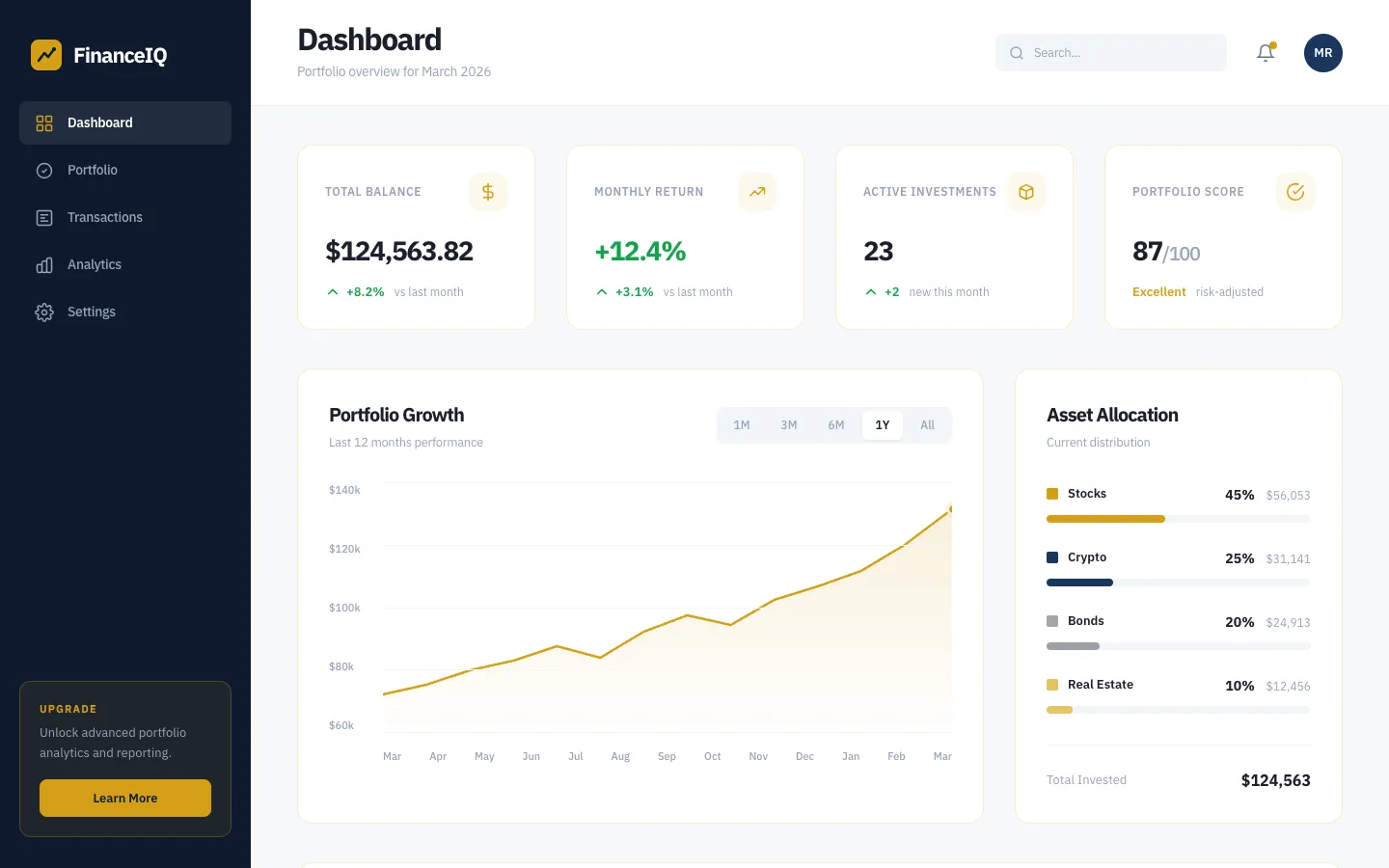
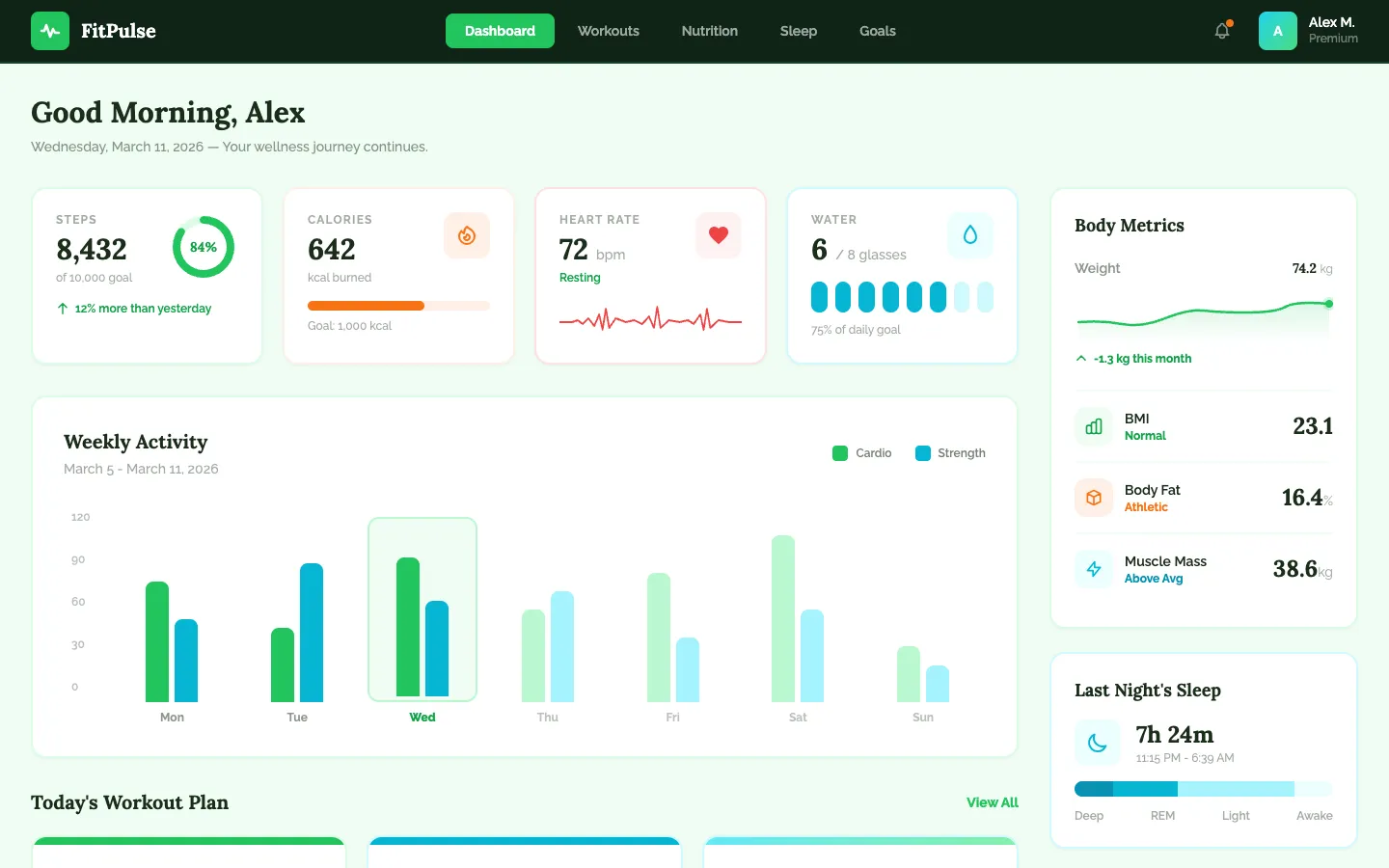
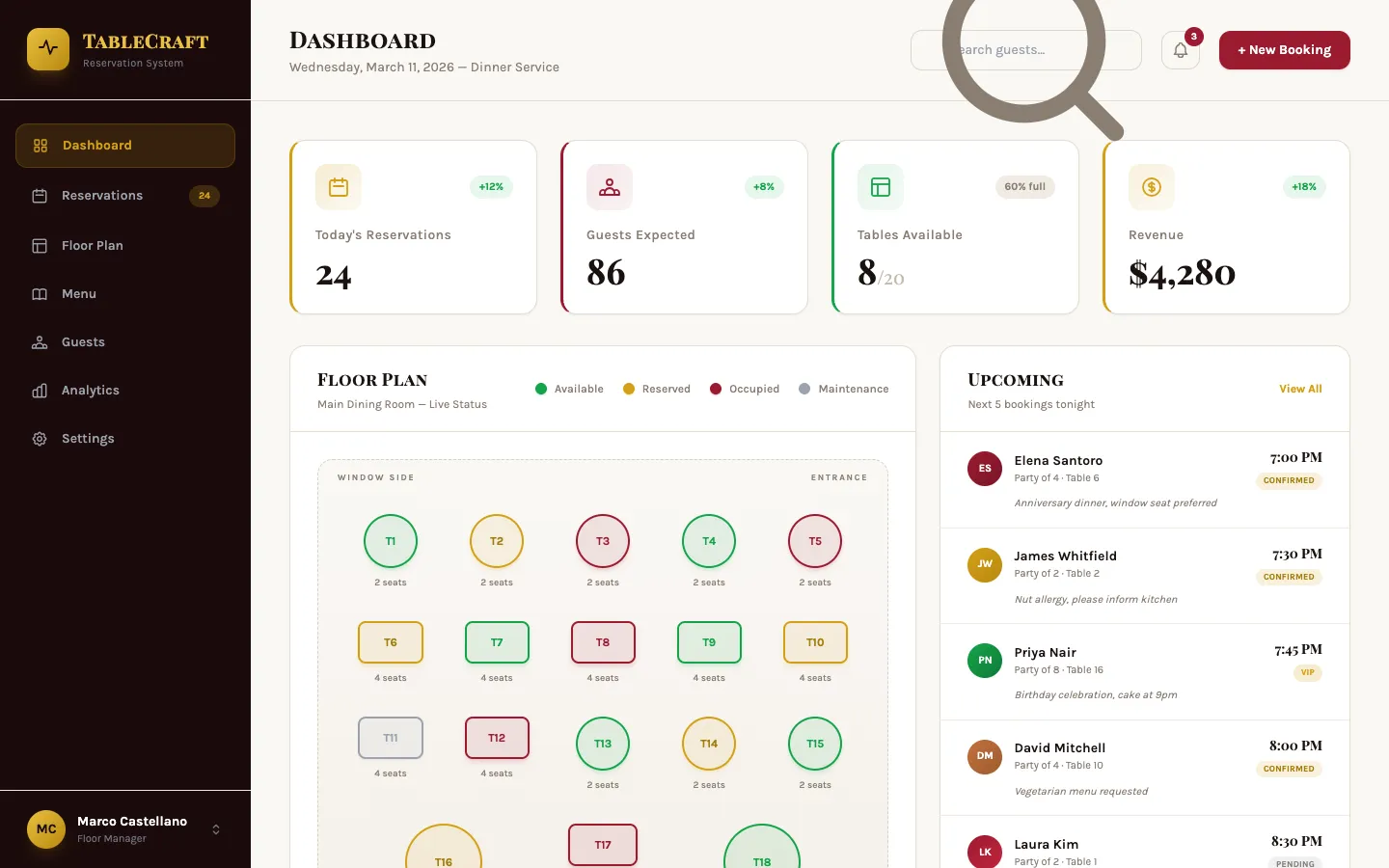
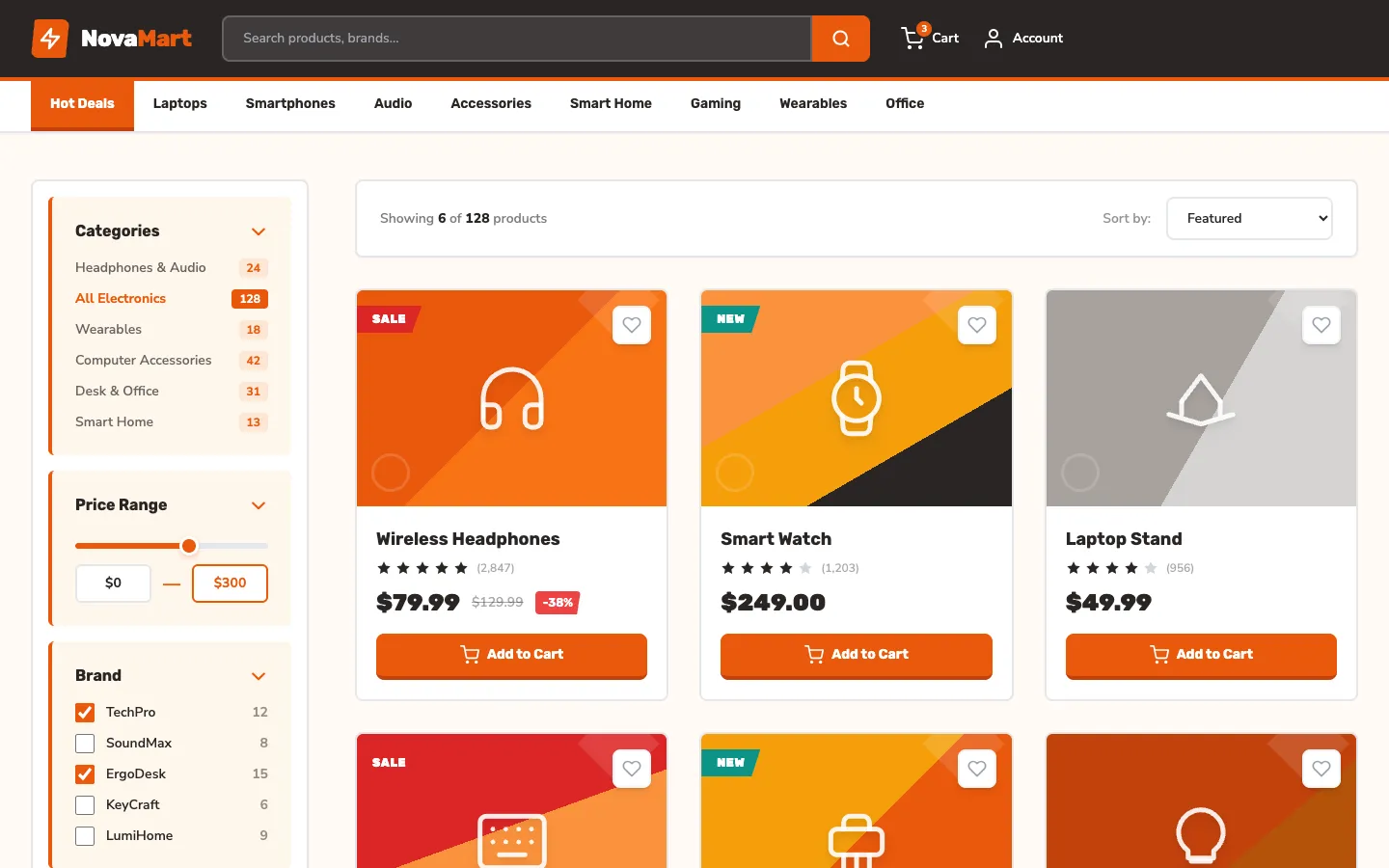
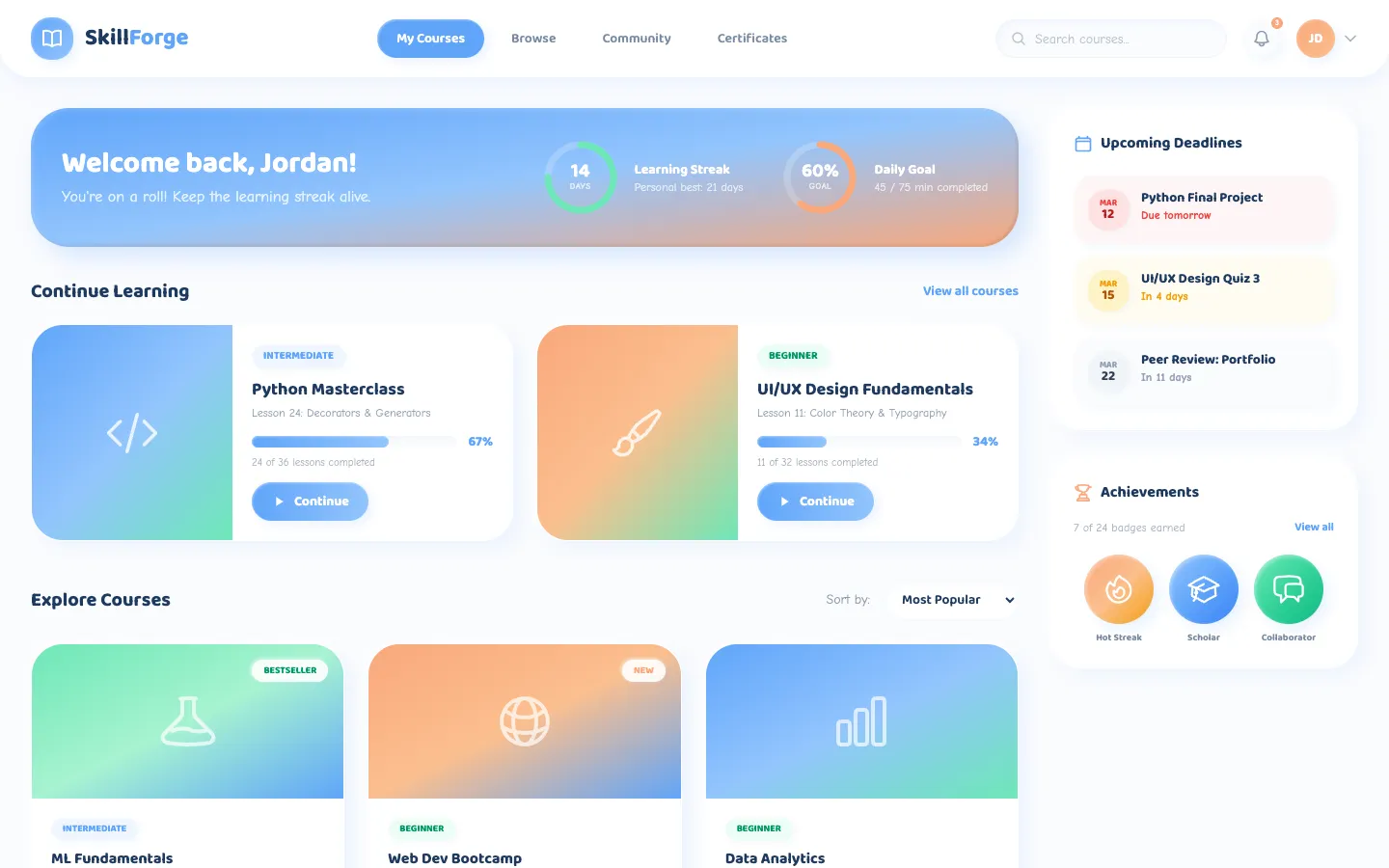
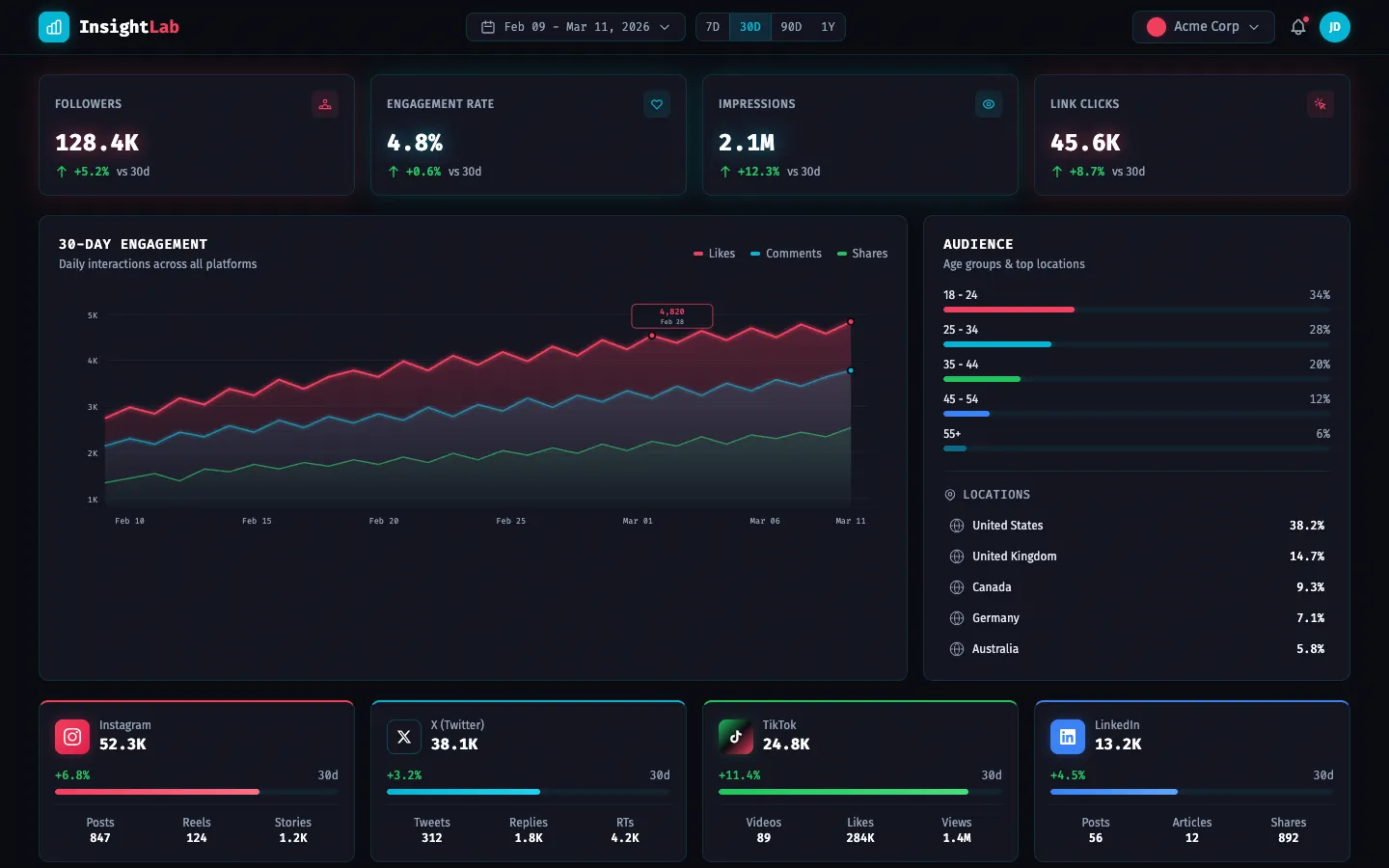
A sample of real apps built by vibe coding — dashboards, trackers, booking systems, stores. Same building blocks, wildly different projects; each one shippable in a weekend.
The tools to start with
You do not need to install anything complicated — most vibe coding happens in the browser, on a free tier, and opens on your phone. You use two kinds of tool: an AI assistant to plan and explain, and an AI app builder that turns your description into a live app.
- Plan & explain — Claude, ChatGPT or Gemini. All three have a free tier. Use one to sketch the idea, list the features, and explain any code you don’t understand.
- Build from a description — Lovable, Bolt.new, v0 (by Vercel), Google AI Studio (free, powered by Gemini) or Replit with its Agent. You type what you want and they generate a working web app with a live preview and a shareable link — no setup, and a handful of free builds a day to learn on.
- Design the look first — Google Stitch turns a prompt or a rough sketch into a clean app UI and the frontend code to match — a fast way to get the screens looking right before you wire up the logic in a builder.
- When you want more control — Cursor or Claude Code edit real project files. And GitHub Copilot is free for verified students through the GitHub Student Developer Pack — claim it with your school email.
The important part is not the tool, it is the loop: describe → run → look at what broke → ask for a fix → repeat. Pick one builder, ship one app, then try another — a weekend on Lovable or Bolt.new teaches more than a month of tutorials.
The skill that actually matters: prompting
The teenagers who get the best results are not the ones who type fastest — they are the ones who describe clearly. “Make a game” gets you nothing. “Make a two-player Snake game, arrow keys for player one, WASD for player two, first to ten apples wins, show the score at the top” gets you a game. That clarity is a learnable skill, and it transfers to school essays, emails, and every AI tool you will ever touch. If you want to go deeper on it, read our companion guide on AI prompting for students.
Staying safe and honest
Three ground rules we teach every young builder. One: never paste personal details — your IC, address, passwords, or a friend’s data — into an AI tool. Two: if you publish an app, don’t collect other people’s personal data unless you understand Malaysia’s PDPA rules; keep early projects to yourself and friends. Three: for schoolwork, use AI to learn and check, not to hand in work you can’t explain. A tool that builds your project is only useful if you understand what it built.
Where a class helps
You can learn vibe coding alone from videos. A class helps in three ways: it gives you a structured first project so you finish something, it shows you how to debug when the AI gets stuck (the part that makes beginners quit), and it puts you with other students building at the same time. Our AI Vibe Coding + Rapid Prototyping class is built exactly for this — and it is open to teenagers and college students, not just working adults.
Student & parent pricing
- College & university students: RM2,000 per pax — a discounted student rate, versus the full corporate fee.
- Parents attending our classes: bring your child along at 50% off — upskill together as a family.
What comes next
Vibe coding is the doorway, not the destination. Teenagers who enjoy it often move on to real fundamentals — how AI models actually work, how to build automations, even a career path. Our AI fundamentals for students guide maps that journey, and the demand for these skills in Malaysia is only rising, as our AI engineer salary breakdown shows. The best time to start was a year ago. The second best time is this weekend.