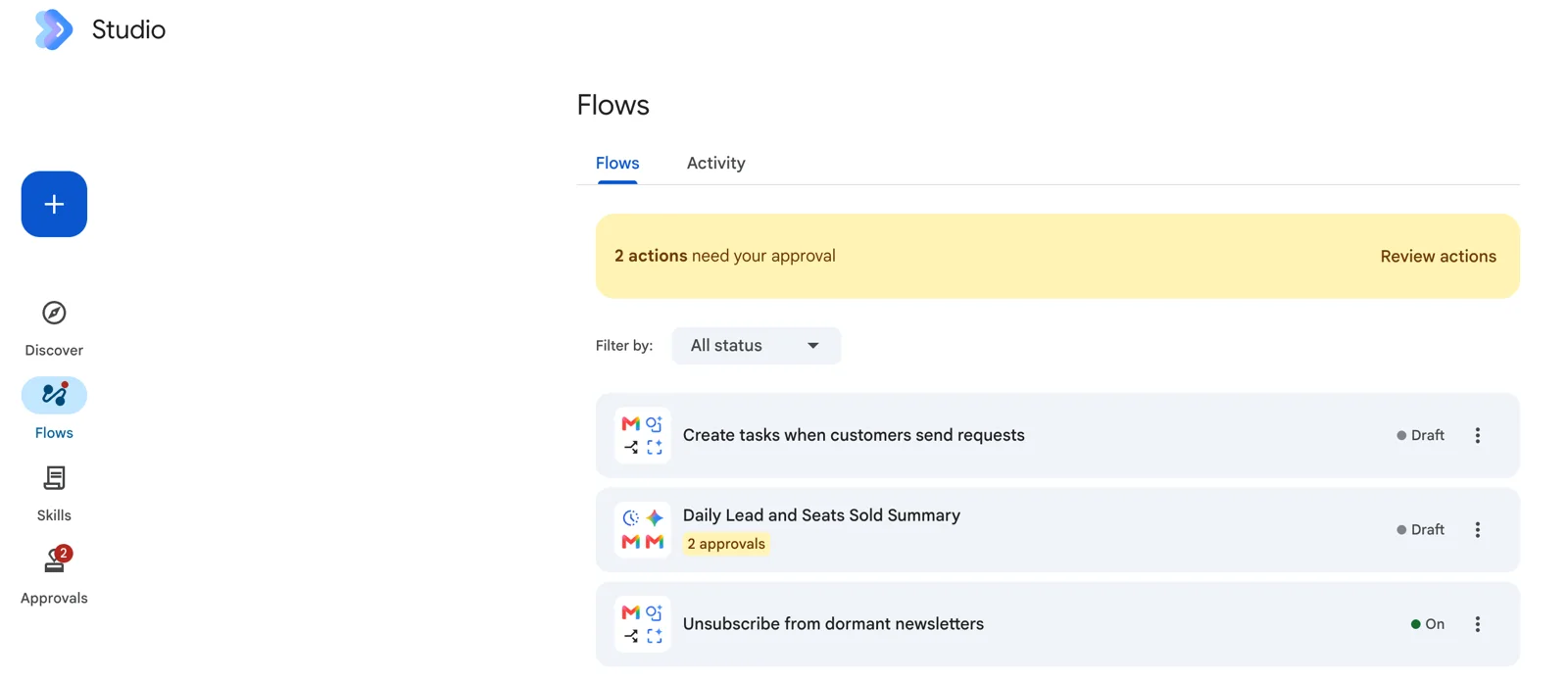
Short answer: the 20 Google Workspace Studio automations most businesses should have cover six areas: the inbox (daily digest, key-person alerts, action labels, attachment filing), meetings (briefs, follow-ups, tasks), sales (lead capture, request handling, escalation, daily summary, CRM sync), finance (invoice capture, expense alerts, payment reminders), HR (welcomes, request routing, team wins) and operations (SOP answers, document watch). Each one below lists the exact starter and steps to use in Studio.
- Morning digest of unread email
- Alerts when a key person writes
- Label emails that need action
- File attachments and log them
- Pre-meeting brief
- Follow-up email with action items
- Action items into Tasks
- Enquiry to lead sheet
- Customer request to task, with acknowledgement
- Escalate unhappy customers
- Daily sales summary
- Web form lead into your CRM
- Supplier invoice capture
- Large-expense alert
- Overdue payment reminders, drafted
- Welcome new joiners
- Route leave and request forms
- Celebrate team wins
- SOP answers in Chat
- Watch key documents for changes
Every starter and step named here is one you can pick in the Workspace Studio builder today; we checked them against the live builder and Google’s starters and steps guide in September 2026. If a step is missing in your account, your admin has probably blocked it. New to Studio? Read what Google Workspace Studio is first, then how to build a flow.
Start with the five marked “Build first”. They need no admin changes, touch nobody outside the company, and save time from the first day. Build one, live with it for a week, then add the next.
Inbox and email
Google’s own first template. You open Chat to a five-line summary instead of 60 unread messages.
The emails that matter reach you even on a day you are not checking Gmail.
Decide judges intent, not keywords, so “could you send over…” gets caught too.
Every contract, quotation and PO lands in the right Drive folder with a line in a register Sheet.
Meetings
Walk into every client call knowing the last thread and the open issues.
Minutes go out the same afternoon. Add an Ask Gemini step to translate into BM or Chinese for mixed teams.
Nothing agreed in a meeting depends on someone remembering it.
Sales and customers
A clean lead list builds itself. Pair it with a Skill so every summary has the same fields.
Customers get a same-minute reply; your team gets a task with the email linked.
The angry email reaches a manager in minutes, with a calm draft reply waiting.
Replaces the “what are the numbers?” message every manager sends at 9am.
No retyping into the CRM. Integrations are off by default; your admin must allow them.
Finance
An invoice register that fills itself, ready for your accounts team or e-invoice checks.
Big claims get a second look before month-end, not after.
Drafts, not sends: someone checks the tone and the amount, then clicks send.
HR and people
Every new hire gets the same useful first message, even in a busy week.
Requests reach the right person and leave a record, without an HR system.
A small one. Recognition that does not depend on a manager remembering.
Operations and knowledge
Staff ask “what’s the claim limit for hotels?” and get the answer from your own documents.
Sales hears about a price change the moment it is made, not from a customer.

Before you build all 20: the limits
Twenty flows is close to the ceiling for one person. Google caps each user at 25 flows, 20 steps per flow, and 25 active flows started by Gmail, plus a daily cap on total runs that Google does not publish. Its admin help lists enforcement of Studio usage limits from 1 October 2026, when promotional access ends. So do not have one enthusiast build everything. Spread the flows across the people who own each process: the sales lead owns the sales flows, finance owns finance. It also means the flow runs with the right person’s access, which your IT team will prefer.
Keep starters narrow. “When I get an email” with no conditions runs on every newsletter and burns through your daily runs. “When I get an email to sales@ with no reply from us yet” runs when it should.
Three rules that keep these safe
- Approval on anything that leaves the company. Recipes 9, 11 and 12 email customers or managers, or write to your CRM. Keep them behind an approval until the Activity log shows they behave. Our Skills and Approvals guide shows how.
- Drafts before sends. Where a mistake would be embarrassing, such as payment reminders, let the flow write the draft and a person send it.
- One Skill for the house style. Several of these flows write text. Put your tone and format in one Skill and reference it in each Ask Gemini step, so they all sound like the same company.
Put those rules into writing too. Our AI usage policy template covers who may build and share flows.
When a recipe outgrows Studio
Recipes 12 and 13 (CRM sync and invoice capture) are where teams usually hit the edge: more systems, more branching, WhatsApp, a database. Since Google’s 17 September 2026 update, a Studio flow can call a webhook, so the practical answer is often to keep the trigger in Studio and hand the heavy work to n8n. We compare the options in Workspace Studio vs n8n vs Copilot Studio.
Two hands-on days on Gemini in Gmail, Docs, Sheets and Meet, then building governed flows and agents on your own work. In-house for your team, on your Workspace tenant.
Public dates coming soon — in-house classes run on your dates.
HRD Corp claimable. AITraining2U is an HRD Corp registered training provider. Our public and in-house courses are claimable under the HRD Corp Claimable Courses (SBL-KHAS) scheme, and we prepare the grant paperwork with you. See HRDC-claimable AI training: courses, costs and how to claim.