Ask a Malaysian team which Copilot feature won them over and the answer is almost always the same: the meeting recap. Not the Word drafting, not the Excel formulas — the fact that nobody has to be the minute-taker anymore. Copilot in Microsoft Teams is the feature people feel on day one, which makes it the best on-ramp to the whole platform.
Here is precisely what it does, where it fits, and the one setting you should know about before you switch it on for a sensitive meeting.
Intelligent recap: the summary you actually read
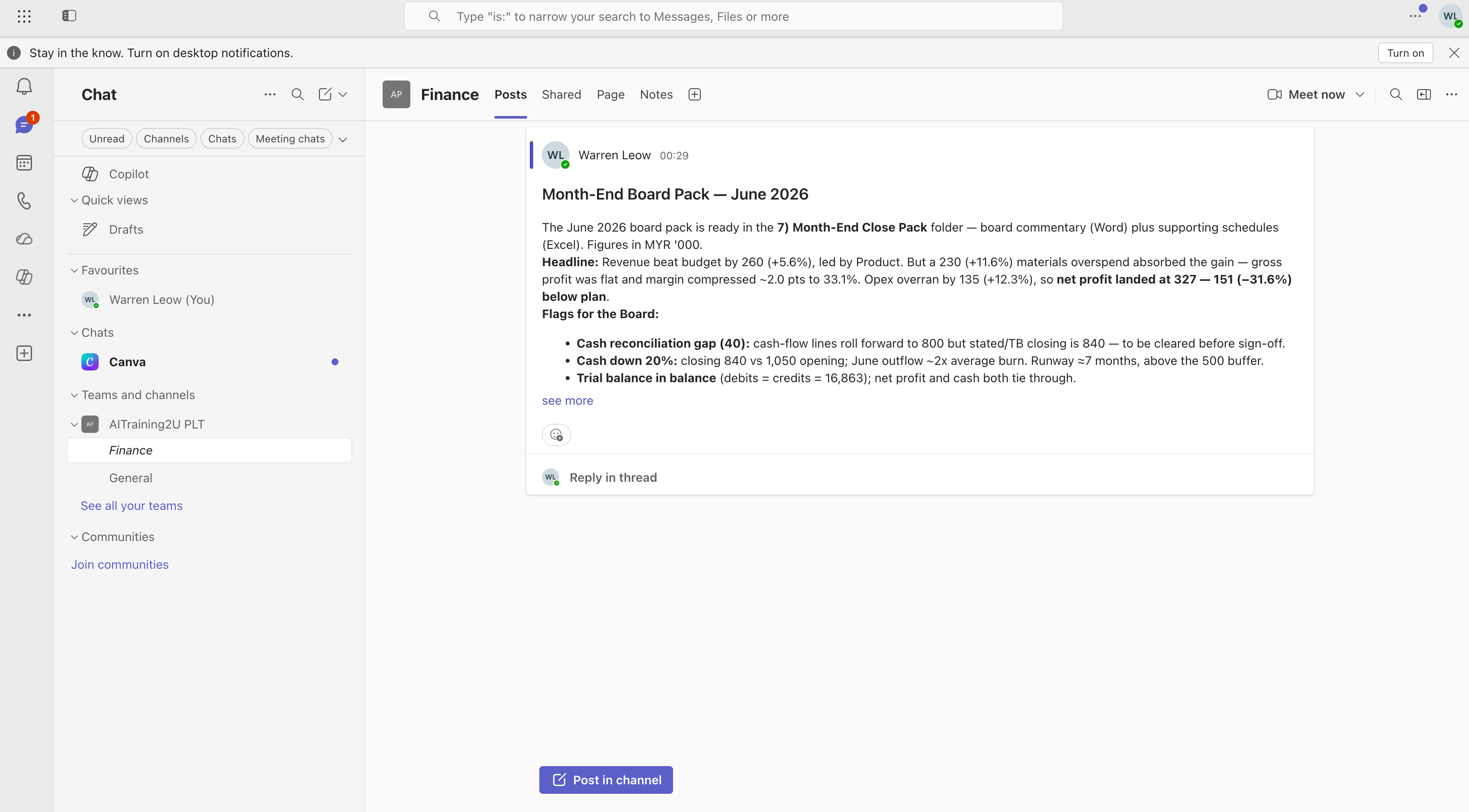
Intelligent recap is the headline feature. After a meeting, Copilot generates a detailed summary that identifies the key discussion points and the potential action items. The recording is broken into chapters, and you can view it in color-coded segments sorted by speaker or by topic — so instead of scrubbing through 47 minutes of video you jump straight to the two minutes where the budget was actually discussed.
For a Malaysian SME this quietly removes a whole category of low-value work. The person who used to write and circulate minutes gets that time back, and the summary is more complete than hand-typed notes because it is grounded in the full transcript.
Ask Copilot mid-meeting: "what did I miss?"
Join late, or step out to take a call, and you can ask Copilot in the meeting what has been discussed and what was decided so far. Because it reasons over the live transcript, the answer is specific — "the team agreed to push the launch to September and asked Finance to revise the forecast" — not a vague gesture. Microsoft's research found users catch up on missed meetings dramatically faster with this. Transcription has to be turned on for it to work.
Facilitator: the agent that runs the room
Facilitator is the newer, more active feature. Where intelligent recap summarises after the fact, Facilitator works during the meeting: it generates real-time AI notes that everyone can co-author, and it can help create an agenda, check the meeting has the right people, keep the discussion on track, and assign action items to the relevant person as they are agreed.
The distinction worth teaching your team: Facilitator is the live note-taker and traffic controller; intelligent recap is the document you read afterwards. Used together, a recurring project meeting more or less runs and documents itself.
Copilot in Teams chat
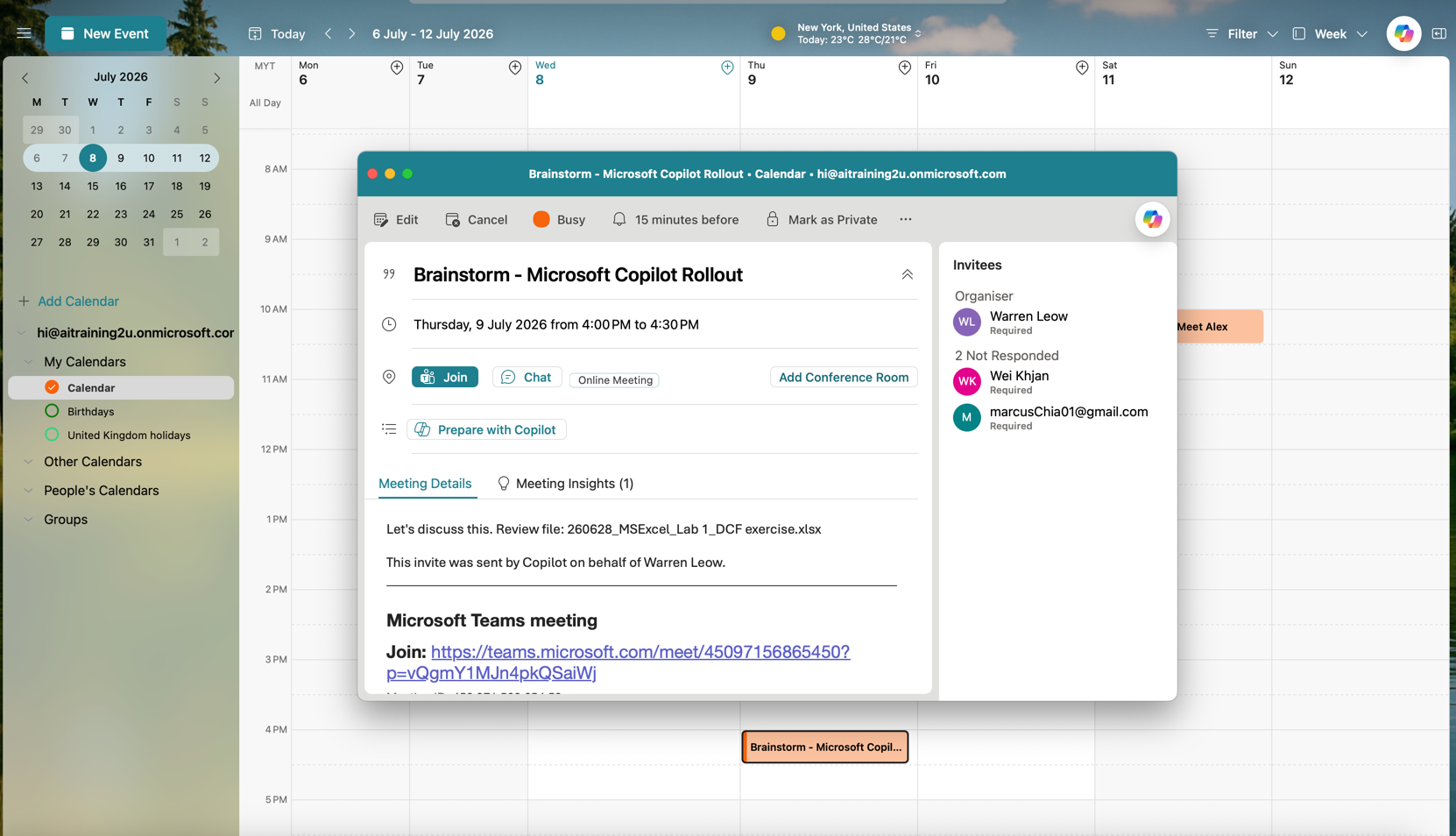
Meetings get the attention, but Copilot in Teams chat is a daily workhorse. Ask it to summarise a long channel thread you were tagged into overnight, catch up on a busy group chat, or draft a reply in the right tone. For anyone who returns from leave to 300 unread messages across a dozen channels, this is the feature that turns a lost morning into ten minutes. It is the same grounding engine described in how Copilot connects the Microsoft 365 ecosystem — just pointed at your chats.
The in-meeting AI toggle you should know about
In 2026, after pushback about always-on meeting AI, Microsoft added an in-meeting toggle that lets licensed organisers and presenters turn Meeting AI — Copilot, Facilitator and Recap — on or off during a live meeting. It began general rollout in mid-July 2026.
This is not a footnote. There are meetings you should not auto-summarise or record: a disciplinary conversation, a redundancy discussion, sensitive HR or legal matters, a negotiation where minutes could be discoverable. Train managers to reach for the toggle in those moments. Good governance is knowing when to switch the AI off, not just how to switch it on.
Where it fits in a rollout
Because the value lands immediately, Teams recap is the ideal first use case in a pilot — it needs no configuration, everyone has the problem it solves, and the time saved is visible within a day. That early win builds the momentum you need to drive adoption of the deeper features. It pairs naturally with the department-by-department examples in our Copilot 365 use cases guide.
The features are easy; using them well — and knowing when not to — is a skill. AITraining2U's hands-on Microsoft Copilot 365 course covers Copilot in Teams alongside the rest of the stack, and it is HRD Corp SBL-KHAS claimable for eligible Malaysian employers. The claim mechanics are in our HRDC AI training overview.