Ask most people what Microsoft 365 Copilot is and they will say "the AI in Word". That answer misses the point entirely. The draft-a-paragraph trick is the least interesting thing Copilot does. What you are actually paying roughly US$30 per user per month for is the one capability no standalone chatbot can match: Copilot reads across your SharePoint, Teams, Outlook and OneDrive at the same time, and answers using your content instead of the open internet.
That is the whole game. Once you understand how Copilot connects the Microsoft 365 ecosystem, every buying decision, governance question and training plan falls into place. Get the plumbing wrong and you are paying premium prices for a generic chatbot.
Grounding: the one word that explains Copilot
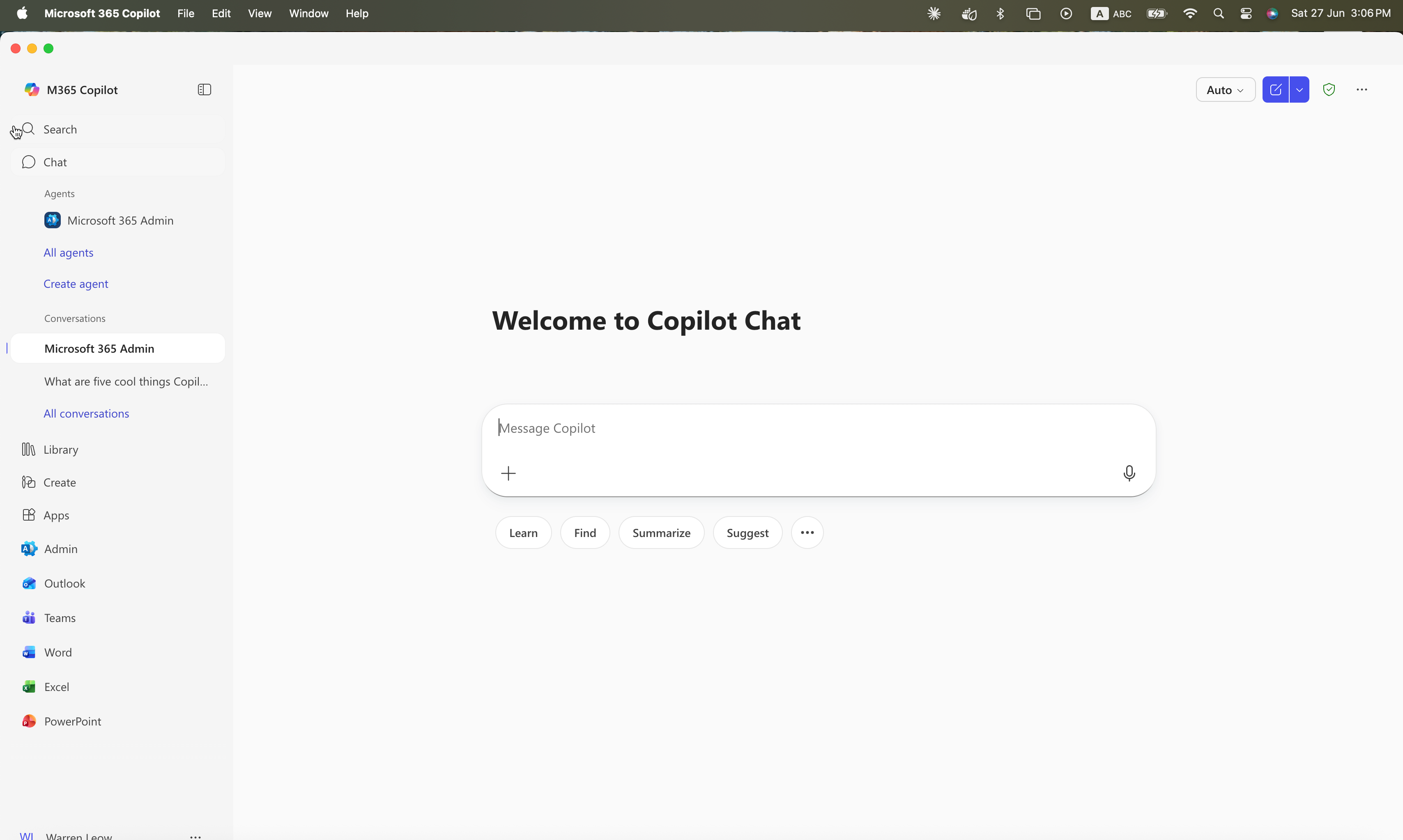
Microsoft calls it grounding. When you type a prompt, Copilot does not send it straight to a language model. First it fetches relevant data from your Microsoft 365 tenant and combines it with your prompt, so the model reasons over content that is specific to your task. A prompt like "summarise where we landed on the Gentari proposal" only works because Copilot can pull the proposal doc, the email thread and the Teams chat before it writes a word.
Strip grounding away and Copilot is ChatGPT with a Microsoft logo. Add it, and the same question that would get a generic answer from a public chatbot gets an answer about your actual deal, in your actual context. This is why the tool is worth training people on — the skill is learning to ask questions that exploit the grounding.
Microsoft Graph: the map of who and what
The grounding data comes from two places. The first is the Microsoft Graph — the layer that stores the relationships across your Microsoft 365 data. Not just the files, but the connections: who you work with, which documents belong to which project, what was discussed in which meeting, which email started which thread. When Copilot needs context, it asks the Graph.
Because the Graph already knows your org chart and collaboration patterns, Copilot can do things a folder of documents never could — like knowing that "the finance lead" means a specific person, or that last Tuesday's budget meeting relates to this week's board paper.
The semantic index: meaning, not keywords
The second source is the semantic index. Older search matched keywords; the semantic index understands meaning. It builds a representation of your tenant's content so Copilot can retrieve documents that are relevant to a prompt even when they do not share the exact words. Ask about "staff turnover" and it can surface a report titled "attrition analysis" because it understands the two are the same idea.
Microsoft's own description is that the semantic index enables meaning-based retrieval to produce a bounded set of relevant candidates the model can reason over. In plain terms: it finds the right handful of documents out of your thousands, fast, so the answer is grounded in the ones that matter.
How the apps plug in
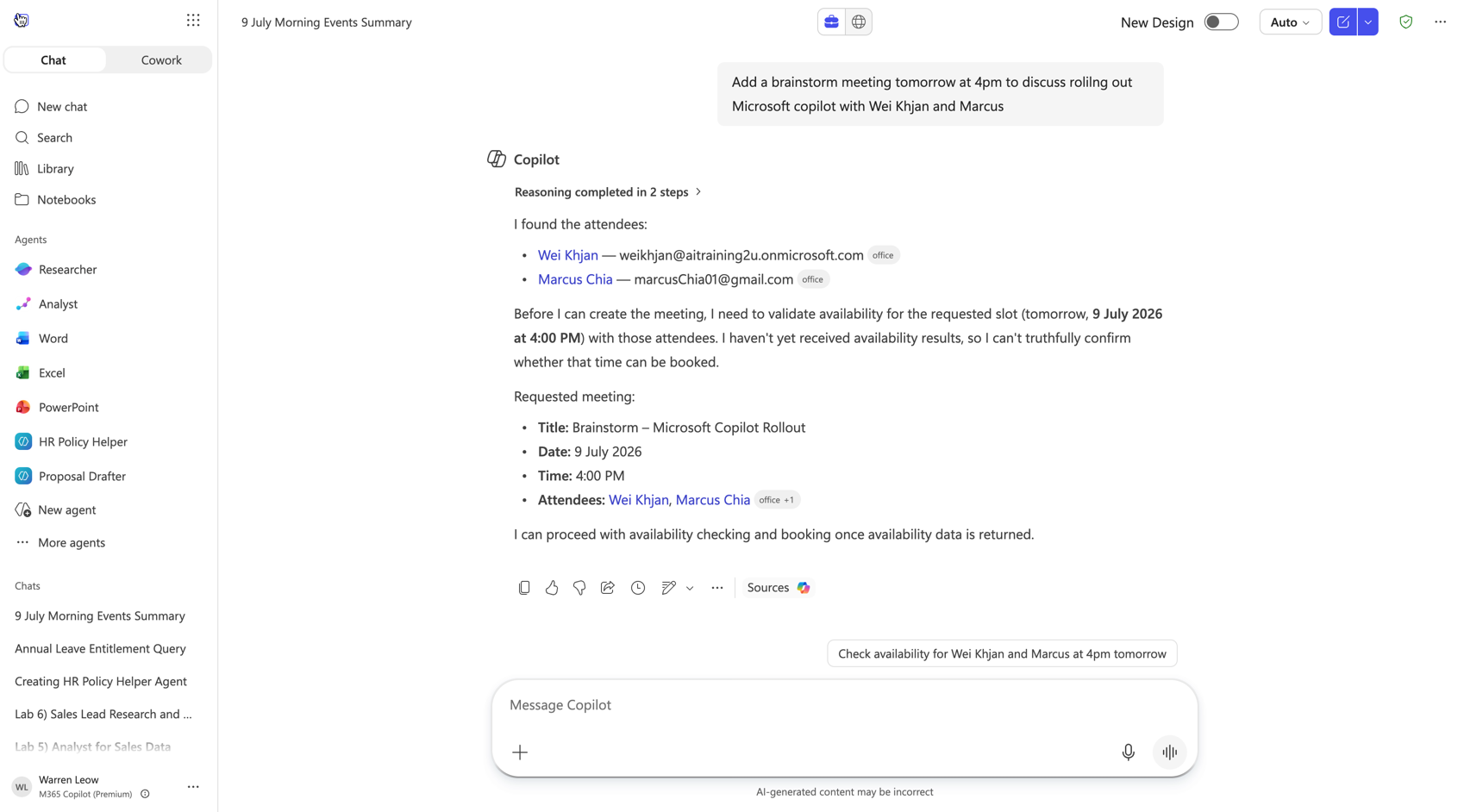
Every app in the stack is both a source of grounding data and a place to consume it:
- SharePoint and OneDrive hold the documents — the single biggest grounding source, and the one that needs the most governance. See Copilot and SharePoint.
- Teams contributes meetings, transcripts and chats, and is where Copilot summarises what you missed. See Copilot in Teams.
- Outlook brings email and calendar — the context for "draft a reply" or "what did we agree with this client".
- Word, Excel and PowerPoint are where grounded output gets created: a first-draft deck from a brief, a variance analysis from a workbook.
The reason a Microsoft-native assistant beats a bolt-on tool for Microsoft-heavy organisations is exactly this: the data, the identity and the permissions already live in one place. For a plain-English tour of the apps themselves, start with What is Microsoft Copilot 365?
Work IQ: the layer above the plumbing
Microsoft has started branding the personalisation layer as Work IQ — the intelligence that understands context, relationships and work patterns so Copilot and agents can be faster and more accurate. You do not configure it directly; it is the accumulated understanding of how your organisation actually works. The practical takeaway for a buyer is unglamorous but important: Copilot gets more useful the more of your real work lives inside Microsoft 365, and less useful if your knowledge is scattered across systems it cannot see.
Why the integration decides your ROI
Microsoft's Work Trend Index found early Copilot users were 29% faster on common tasks and saved roughly 1.2 hours a week. Those gains come almost entirely from grounding — from Copilot reaching across apps so a person does not have to. A team that only uses Copilot to rewrite sentences in Word will never see those numbers. A team that uses it to pull a client's whole history before a meeting, or reconcile what three email threads actually agreed, will.
That is the training gap in one sentence. The ecosystem integration is what makes Copilot valuable, and knowing how to use it is a learned skill. AITraining2U runs hands-on, HRD Corp SBL-KHAS claimable Microsoft Copilot 365 training that teaches teams to work across the stack, not just inside one app — the funding mechanics are in our HRDC AI training guide.