
Here is the uncomfortable truth about Microsoft 365 Copilot rollouts: the tool almost never causes a data problem. It reveals one you already had. Copilot respects your existing SharePoint permissions to the letter — it will only show a user files they could already open. The issue is that in most Malaysian organisations, nobody has reviewed those permissions since around 2019, and a lot of "internal" documents are quietly accessible to half the company.
SharePoint is Copilot's single biggest knowledge source. It is also where most rollouts get burned. Get the governance right and Copilot becomes a genuine institutional memory. Get it wrong and it will cheerfully surface the salary spreadsheet to a junior executive who technically had access all along.
Why SharePoint is Copilot's brain
Most of an organisation's real knowledge lives in SharePoint and OneDrive: proposals, SOPs, contracts, reports, policies. When Copilot grounds an answer, that is largely where it reaches. The semantic index reads across those documents so Copilot can answer "what is our refund policy?" or "summarise the last three board papers" using your own content. The richer and better-organised your SharePoint, the smarter Copilot looks.
Which is exactly why the state of your SharePoint is the state of your Copilot deployment. A messy, overshared document estate produces a Copilot that is both less useful and more risky.
The oversharing problem, stated plainly
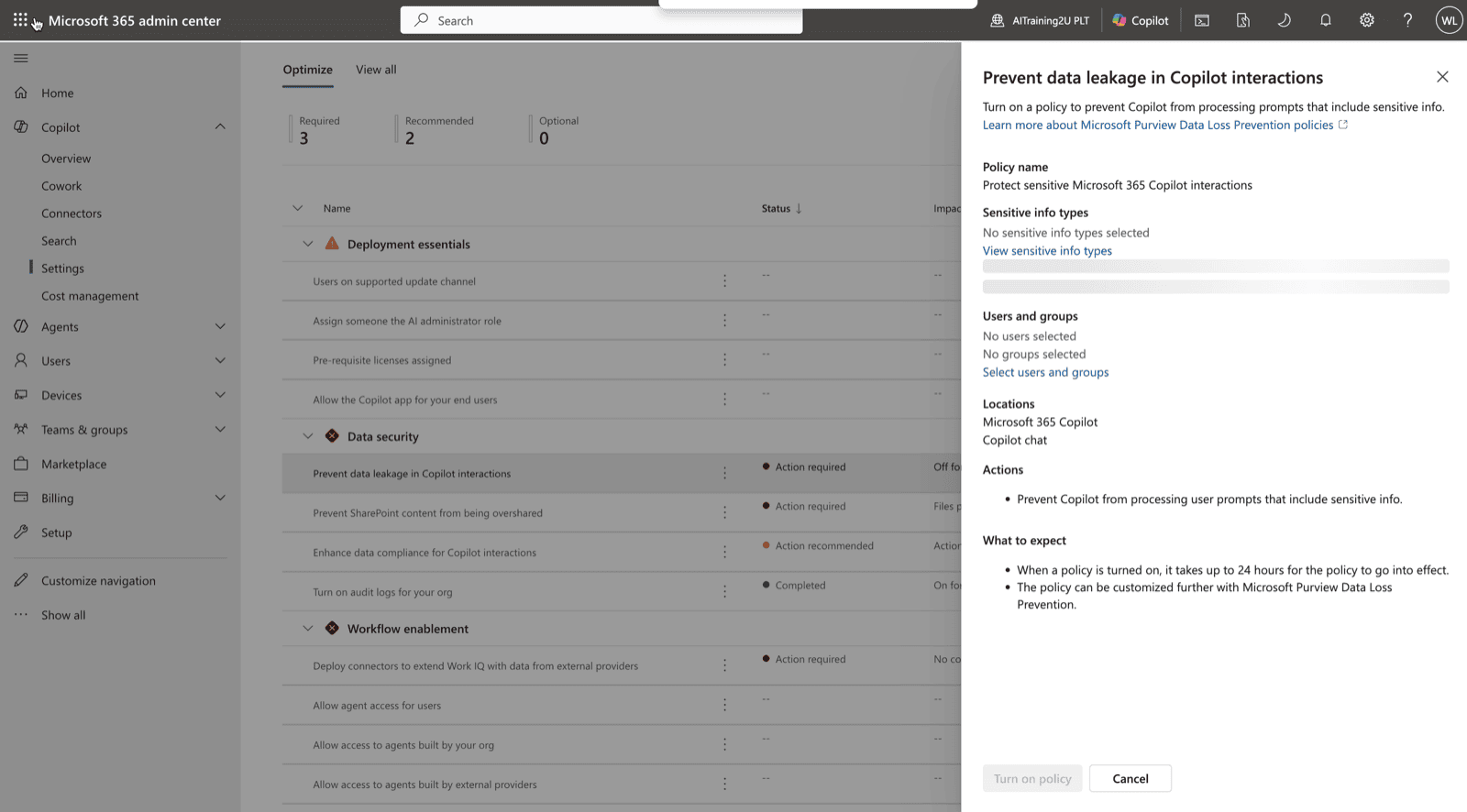
Microsoft's own guidance is blunt: most organisations discover SharePoint oversharing precisely when Copilot makes existing governance weaknesses easy to surface. The pattern is always the same — a site was shared with "Everyone except external users" for convenience years ago, a sensitive file landed there, and no one ever tightened it. For a human, that file was buried and effectively invisible. For Copilot, it is one natural-language question away.
The right response is not to distrust Copilot. It is to treat rollout as the forcing function that finally makes you fix permissions you should have fixed long ago.
SharePoint Advanced Management: already in the box
The good news for Malaysian employers is that the main governance toolkit comes with the licence you are already buying. If anyone in your tenant has a Microsoft 365 Copilot licence, SharePoint Advanced Management (SAM) is included automatically — you do not purchase it separately. SAM gives you:
- Data access governance reports — find the sites with the widest sharing and the most potential oversharing.
- A content management assessment dashboard — a readiness view of your estate before you switch Copilot on.
- Site access reviews — push accountability to site owners to confirm who should really have access.
- Inactive-site policies — retire the stale sites nobody owns anymore, which are usually the riskiest.
- Restricted Content Discovery — the emergency brake, below.
Restricted Content Discovery: the emergency brake
Restricted Content Discovery (RCD) is the control worth knowing by name. With a single setting it blocks a specific SharePoint site's content from being discovered by Copilot — and by declarative agents — without changing who can still open the files directly. It is how you protect an overshared site immediately while you work through a proper cleanup, rather than blocking Copilot for the whole company. Admins can delegate RCD to site owners, so the people closest to the content share the responsibility.
SharePoint agents: grounded, and scoped
Beyond search, you can build SharePoint agents — Copilot agents scoped to a particular site or set of documents. An SOP-lookup agent on your operations site, a product-knowledge agent on the sales library, an HR-policy agent on the people site. Staff ask questions and get answers grounded only in that content. Access to an agent follows the site's permissions, and admins can control which agents exist, so the same governance that protects the site protects the agent. This is the bridge from everyday Copilot into the agent-building covered in our agentic orchestration work.
A governance-first rollout, in order
- Assess — run SAM's data access governance and content assessment reports to find overshared and stale sites.
- Remediate — tighten the worst sites, run site access reviews, retire inactive ones.
- Contain — apply Restricted Content Discovery to anything sensitive you have not fully cleaned.
- Label — put sensitivity labels on genuinely confidential content so protection travels with the file.
- Pilot — only then switch Copilot on for a trained group, and expand from there.
Skip the first four steps and Copilot will find every mistake at once. Do them in order and rollout becomes the cleanup project your IT team has wanted budget for since 2019. For the department-level payoff once the foundation is right, see our Copilot 365 use cases.
Getting your team ready
Governance is not only an admin task — it is a training one. Staff need to understand what Copilot can surface, why permissions matter, and how to flag a file that looks wrong. AITraining2U delivers hands-on, HRD Corp SBL-KHAS claimable Microsoft Copilot 365 training that pairs everyday productivity with the governance guardrails a safe rollout needs. The funding path is in our HRDC AI training guide, and the employer playbook is in Copilot 365 HRDC training in Malaysia.

