
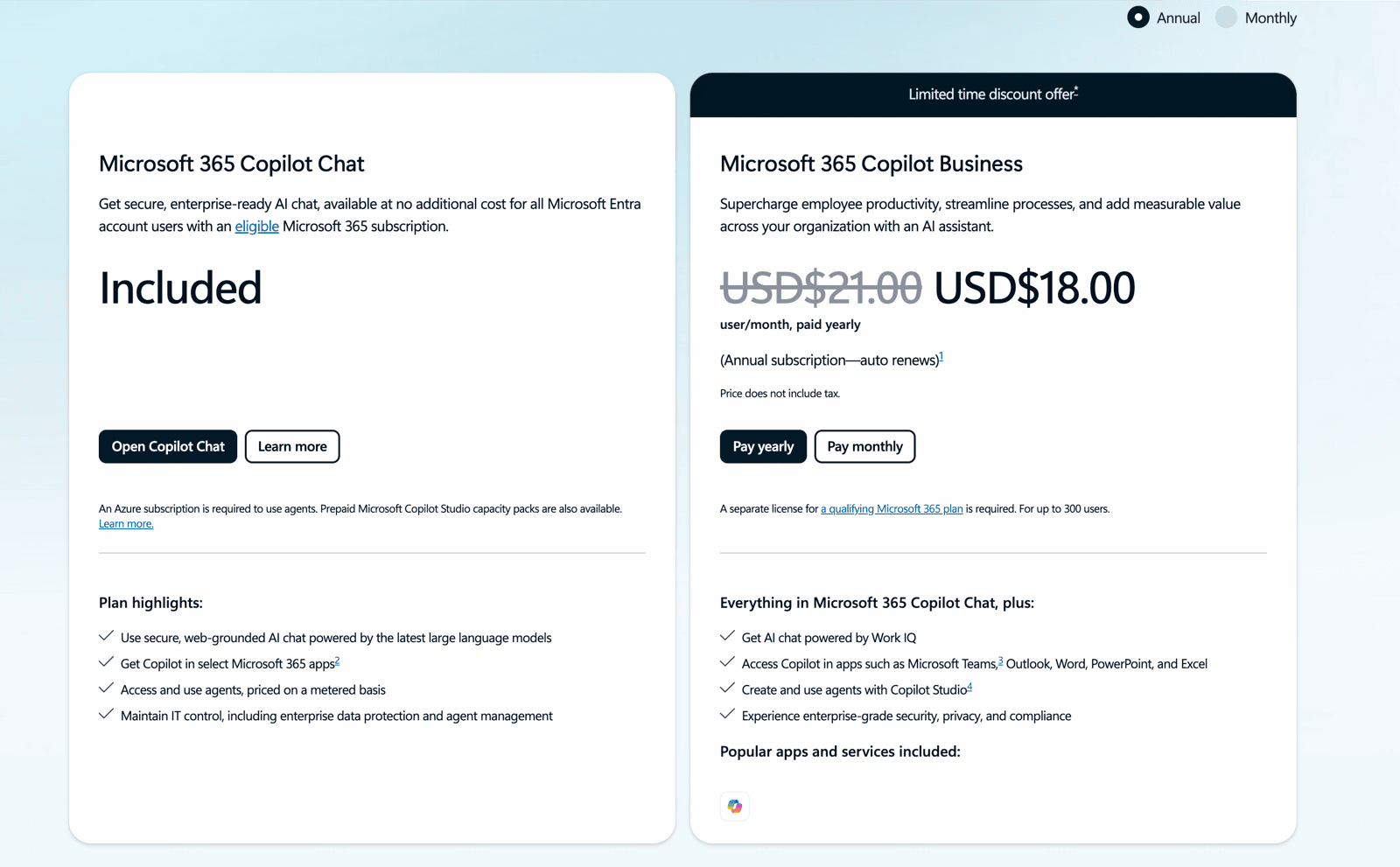
Buying Microsoft 365 Copilot licences and hoping adoption follows is how most rollouts stall. Microsoft charges roughly US$30 (about RM130) per user per month for the enterprise Copilot add-on on top of your existing Microsoft 365 subscription — real money for a tool half the team forgets to open. Training is what turns those licences into hours saved. Here is the curriculum a good Microsoft Copilot course in Malaysia should cover, and how to fund it.
First, the licensing you’re training people to use
There are two things called “Copilot.” Microsoft 365 Copilot Chat is included at no extra cost with eligible Microsoft 365 subscriptions — a good place for teams to start. The paid Microsoft 365 Copilot add-on (~US$30/user/month, billed annually) is what embeds Copilot inside Word, Excel, PowerPoint, Outlook and Teams and unlocks Copilot Studio agents. If you are unsure which your team has, our What is Microsoft Copilot 365? guide breaks it down before you spend on training.
The curriculum, module by module
A strong course does not just demo features — it rebuilds your team’s actual weekly tasks inside Copilot so the habit sticks.
| Module | What the team learns | Apps |
|---|---|---|
| 1. Copilot Chat foundations | Prompting, grounding on your work files, what Copilot can and can’t see | Copilot Chat, Teams |
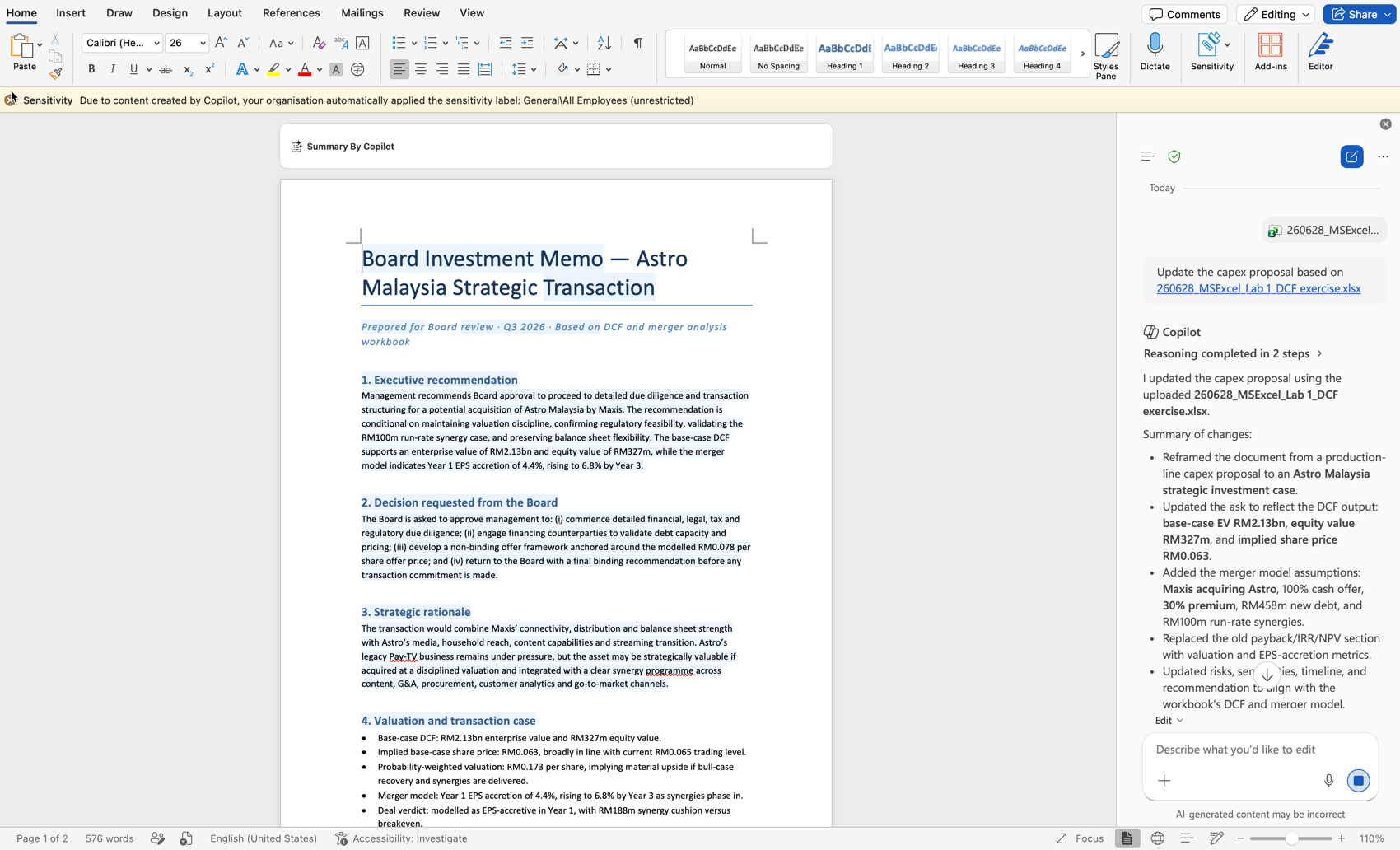
| 2. Documents & email | Drafting, rewriting, summarising threads, catching up on meetings | Word, Outlook |
| 3. Data & decks | Formulas, analysis and charts in Excel; first-draft slides in PowerPoint | Excel, PowerPoint |
| 4. Meetings & teamwork | Recap, action items, follow-ups; Copilot in channels and chats | Teams |
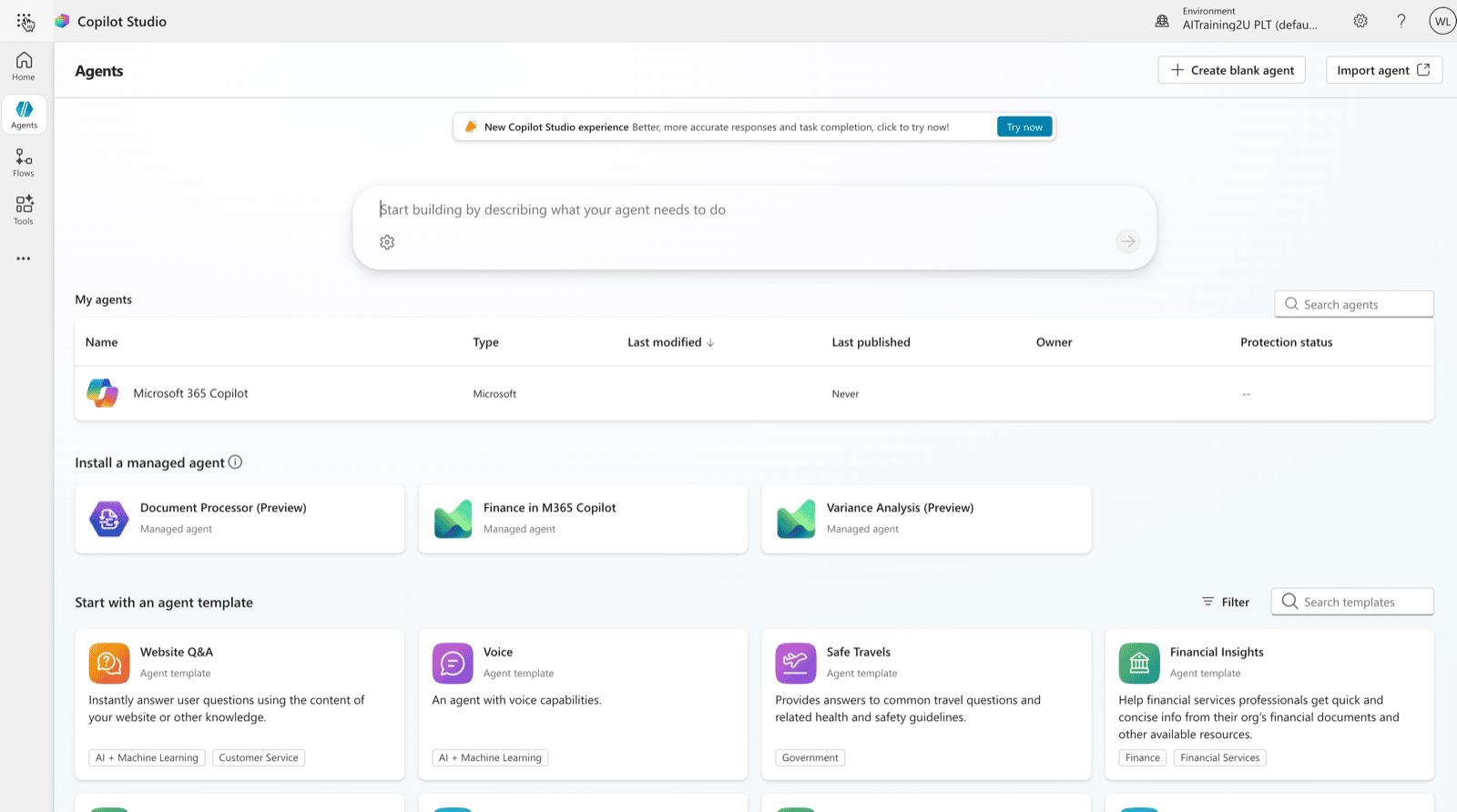
| 5. Copilot Studio agents | Building no-code agents for HR, IT and customer FAQs | Copilot Studio |
| 6. Governance & adoption | Data boundaries, sensitivity labels, PDPA-aware use, rollout habits | Admin, all apps |
What changes when a team is trained
The department-by-department wins are concrete: finance closes faster with Excel analysis, HR answers policy questions through a Copilot Studio agent, sales drafts follow-ups in Outlook, and managers stop re-reading Teams threads because Copilot recaps them. Our Copilot use cases for Malaysian teams article maps these out by function.
Delivery formats
Copilot training works best as short, role-based sessions rather than one long lecture: a foundations session for everyone, then focused breakouts for finance, HR and sales on the apps they live in. A half-day gets a team productive; a full curriculum with Copilot Studio takes one to two days.
How HRD Corp funding works
Registered employers reclaim approved training through HRD Corp’s SBL-KHAS scheme — often up to 100% of the fee against your levy — and for 2026 HRD Corp raised limits for AI and automation courses, with an SME Skills Scheme for smaller firms. Combined with Budget 2026’s 50% additional tax deduction for certified AI training, the net cost of upskilling a team on Copilot can be very low. Our Copilot 365 HRDC training page details the rollout and claim process.
How to choose a provider
Pick a trainer who uses Copilot daily, tailors exercises to your files, and is HRD Corp registered so the claim is clean. Beware generic “AI awareness” sessions that never open Excel — the value is in the hands-on rebuild of your own work.